Setup & installation
Install apps on Fire TV Stick
Install apps on a Fire TV Stick from the Amazon Appstore: search, download, update and remove apps, plus why sideloading from unknown sources is risky.

Setup & installation
Step-by-step guides for setting up a streaming player on Fire TV, Android TV, Samsung, LG, Apple TV, phones and computers.
9 guides in this topic
Set up IPTV on an Android TV or Google TV device: install a player from Google Play, add an M3U or Xtream Codes login, load the guide and tune playback.
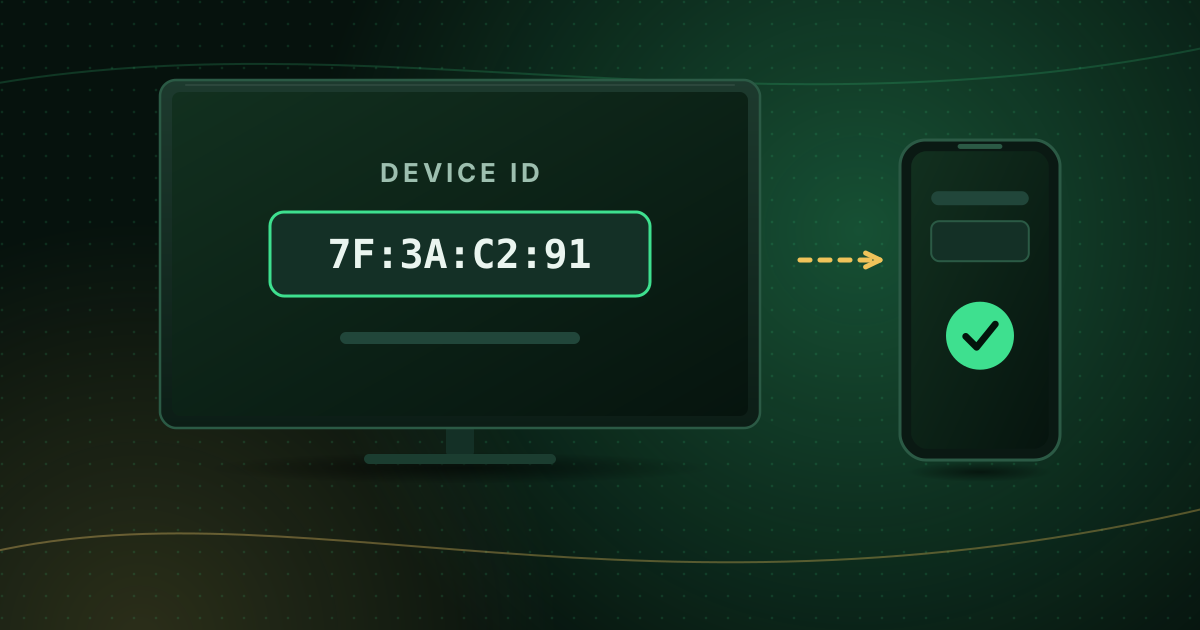
Watch IPTV on a Samsung Smart TV: find a Tizen player app, understand device-ID activation, add your playlist and fix common Samsung app problems.
Watch IPTV on an LG webOS Smart TV: install a player from the LG Content Store, add a playlist, and fix missing apps, storage and region issues.
Set up IPTV on Apple TV 4K or Apple TV HD: download a tvOS player from the App Store, add your login, enable the guide and choose the right video settings.
Watch IPTV on iPhone or iPad: choose an App Store player, add an M3U or Xtream Codes login, save mobile data and send streams to your TV with AirPlay.
Watch IPTV on an Android phone or tablet: install a player from Google Play, sign in, limit mobile data, keep Play Protect on and cast to your TV.
Watch IPTV on a Windows PC or Mac using VLC, Kodi or a dedicated player: open an M3U playlist, add the TV guide and connect the computer to your TV.
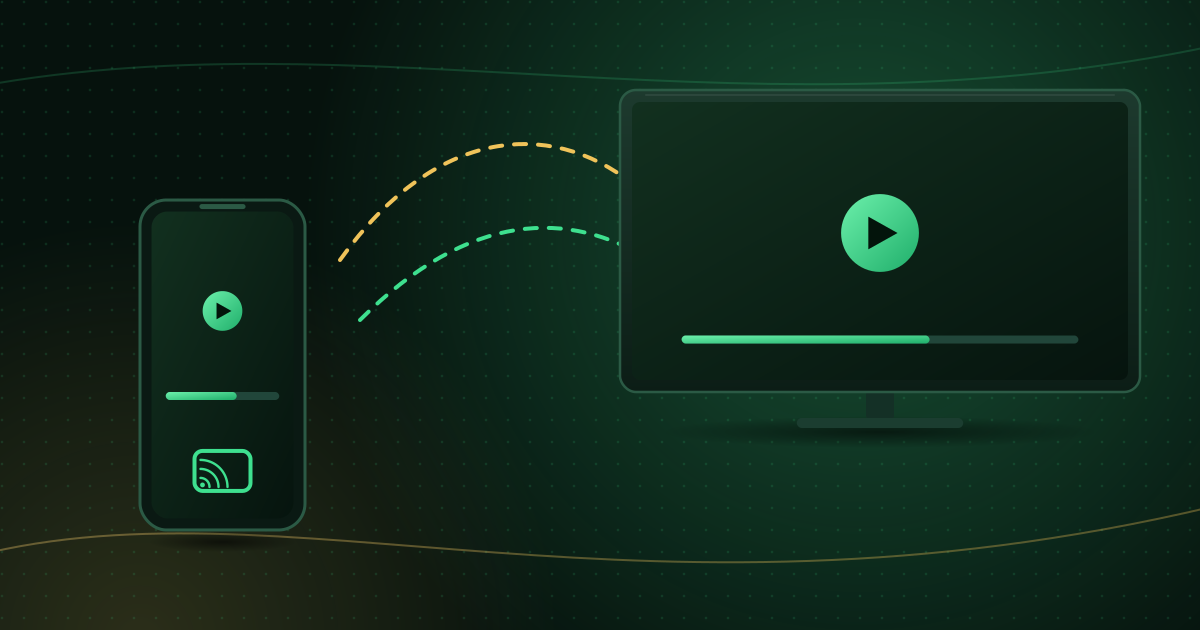
Cast or mirror video from your phone to a TV with Google Cast or AirPlay: what you need, step-by-step instructions and how to fix lag and dropouts.
Check your device, follow the setup guide and you can be watching in a few minutes.