Troubleshooting
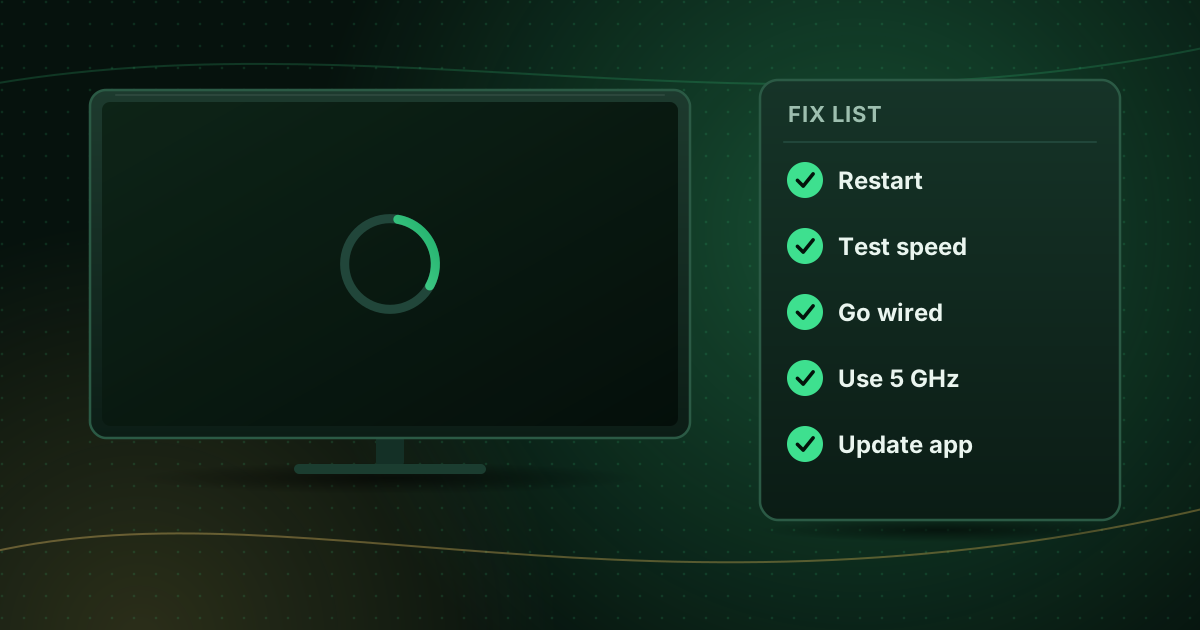
Stop buffering on live streams
Live streams buffering? Work through 12 fixes in the right order, from a quick restart to Wi-Fi, device, player and network changes that actually help.

Troubleshooting
Fix buffering, frozen video, audio delay, login errors, playlists that will not load, HDMI no-signal and HTTP error codes.
9 guides in this topic
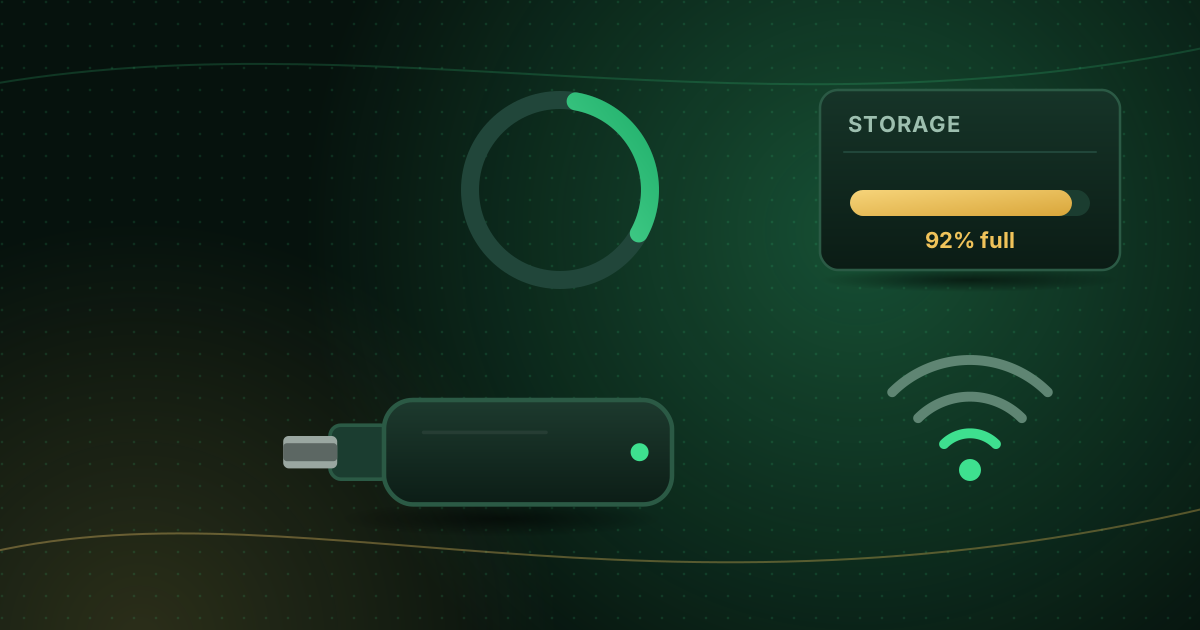
Fix a Fire TV Stick that keeps buffering: power, storage, cache, Wi-Fi placement, Ethernet, background apps and player settings, step by step.
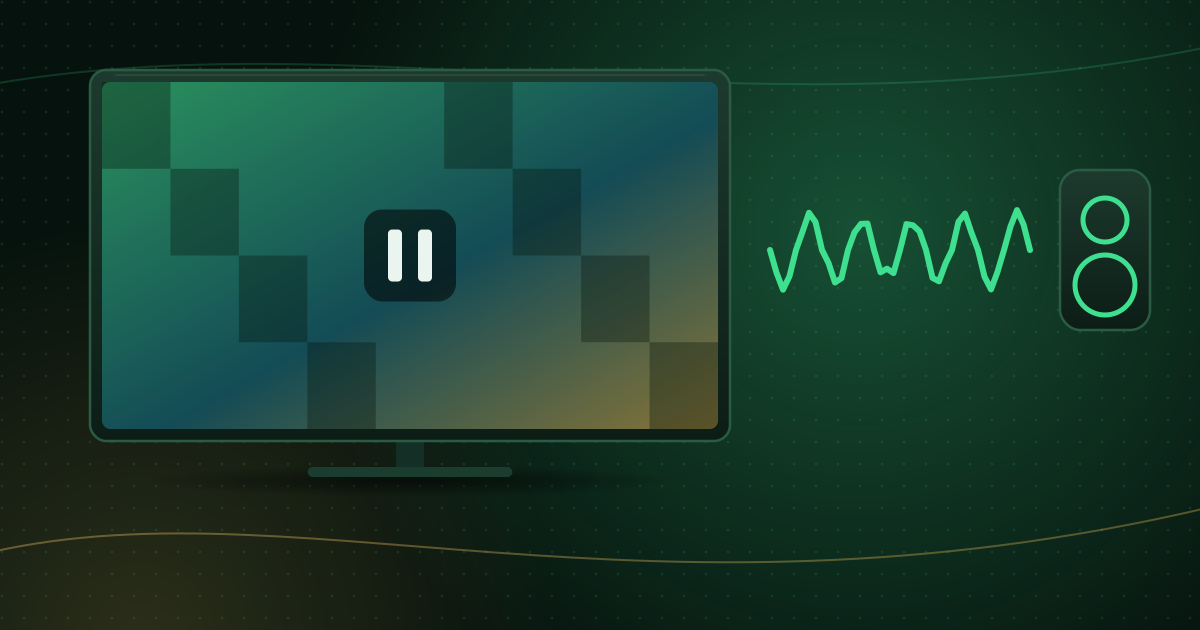
When the picture freezes but sound continues, the network is rarely the cause. Fix decoder, codec, refresh-rate and device-performance problems step by step.
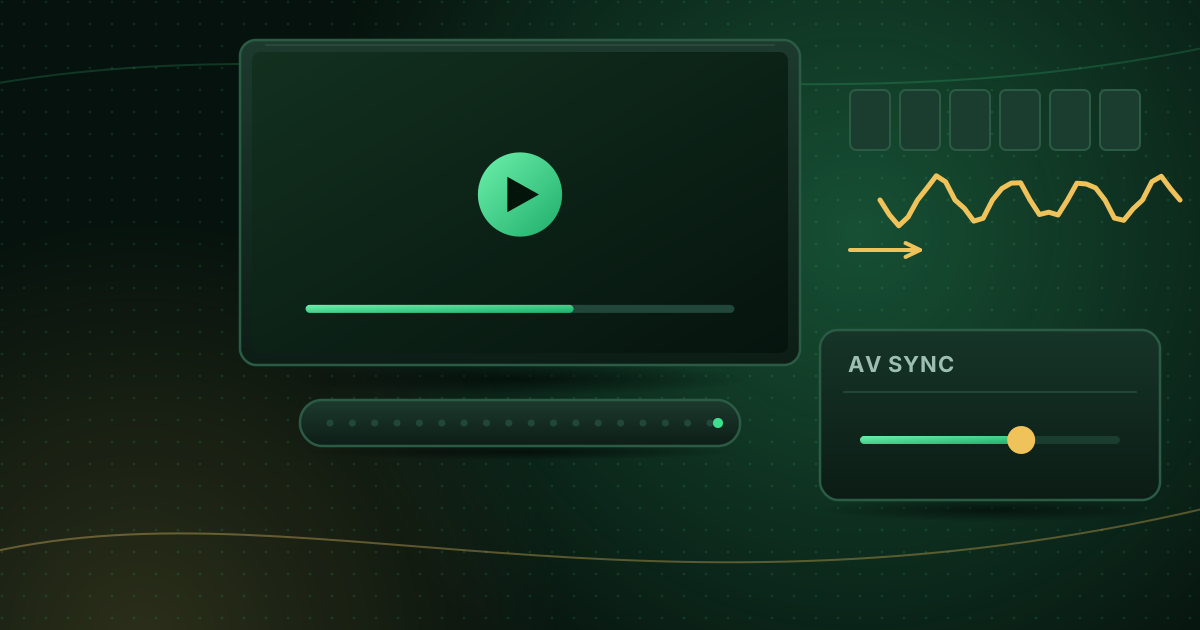
Fix lip-sync delay when streaming: find whether the app, device, TV or soundbar is the cause, then use AV sync settings, audio modes and player offsets.
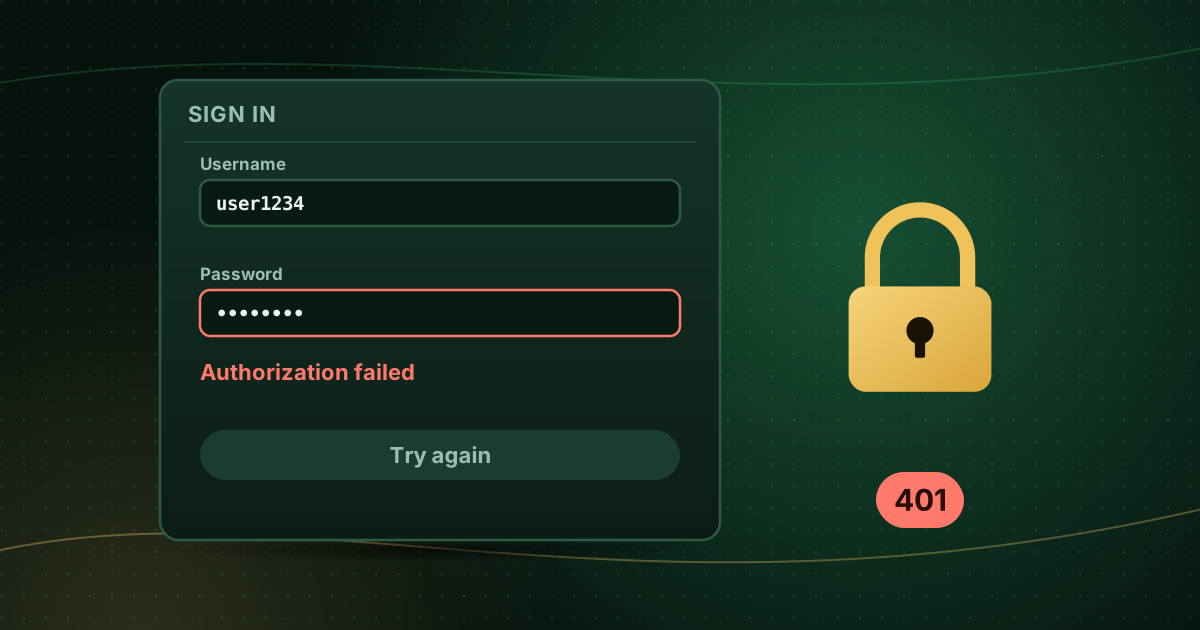
Fix “authorization failed”, “invalid login” and 401 or 403 errors in IPTV apps: typing mistakes, server URLs, expired accounts and connection limits.
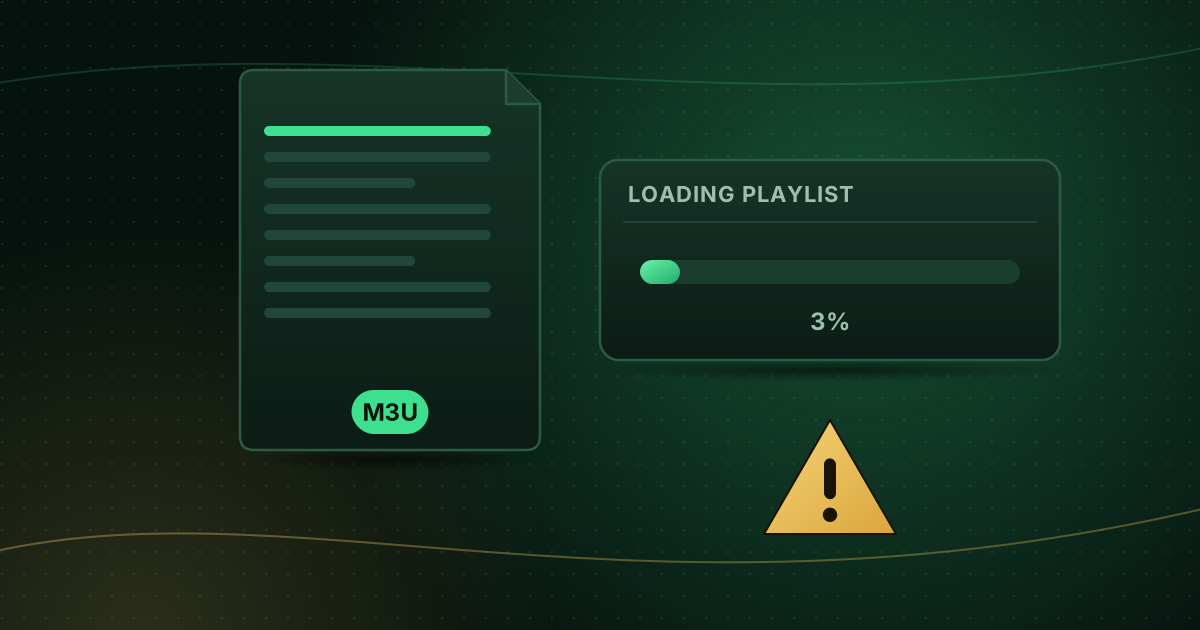
Fix an M3U playlist that will not load or shows no channels: broken URLs, expired links, large files, wrong format, encoding and player limits.
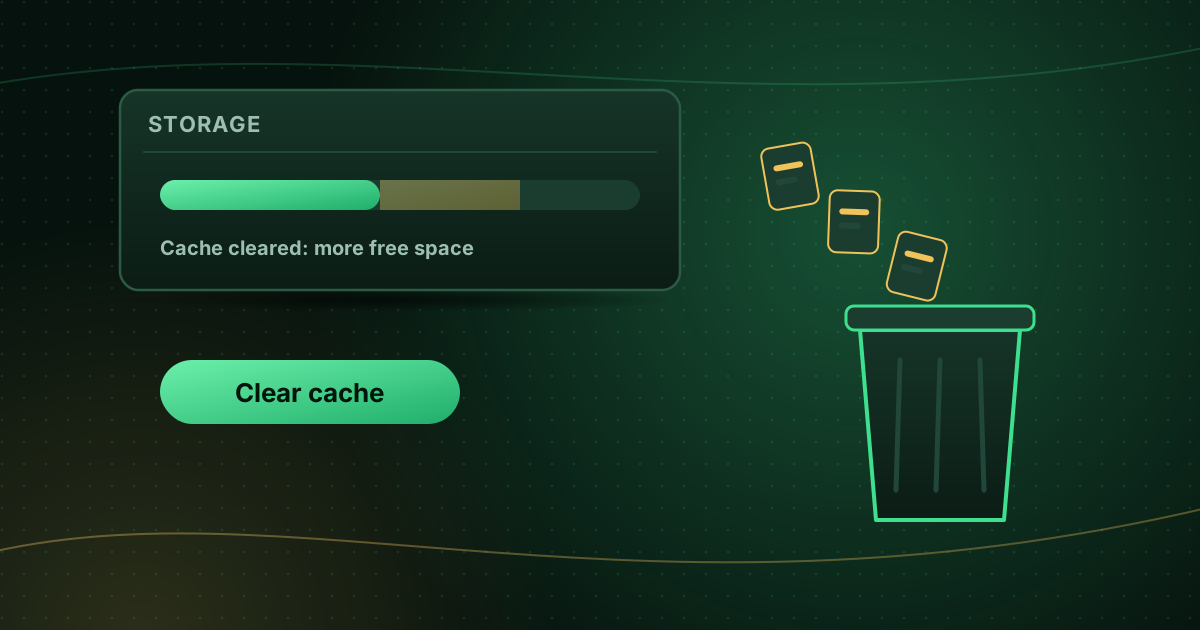
Clear an app’s cache or data on Fire TV, Google TV and Android TV, free up storage and know when clearing data is the right fix and what it deletes.
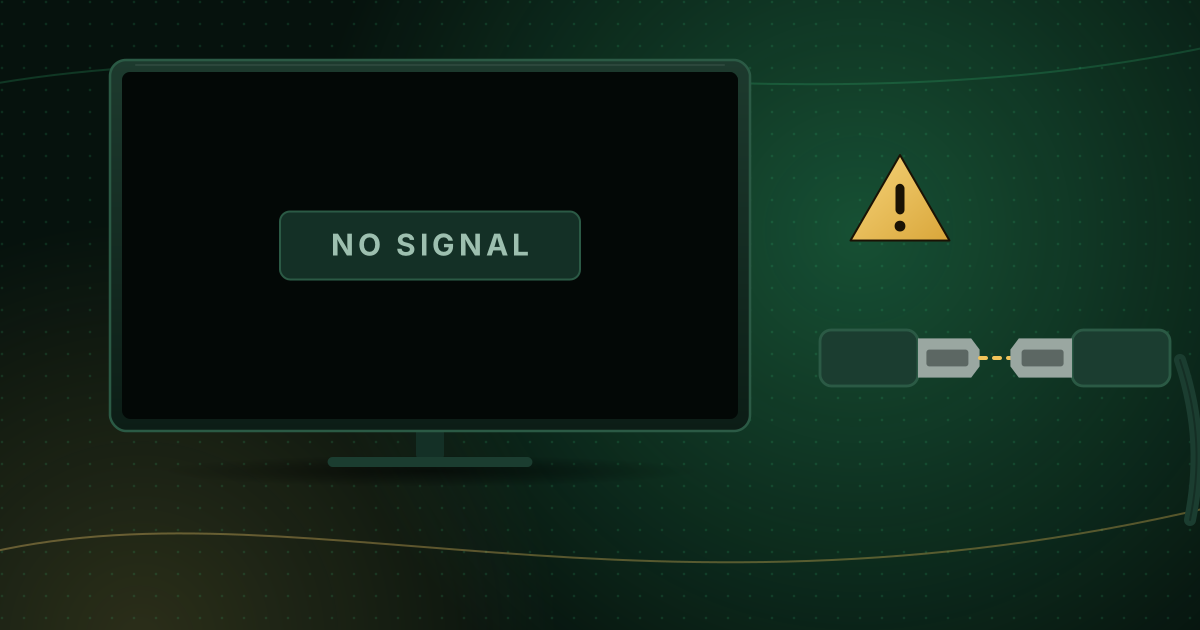
Fix a streaming stick that shows “No Signal”: input selection, power, HDMI ports, extenders, resolution resets and how to tell if the hardware has failed.
What HTTP errors 401, 403, 404, 502 and 503 mean when a stream will not play, which ones you can fix yourself and what to tell support about the rest.
Check your device, follow the setup guide and you can be watching in a few minutes.