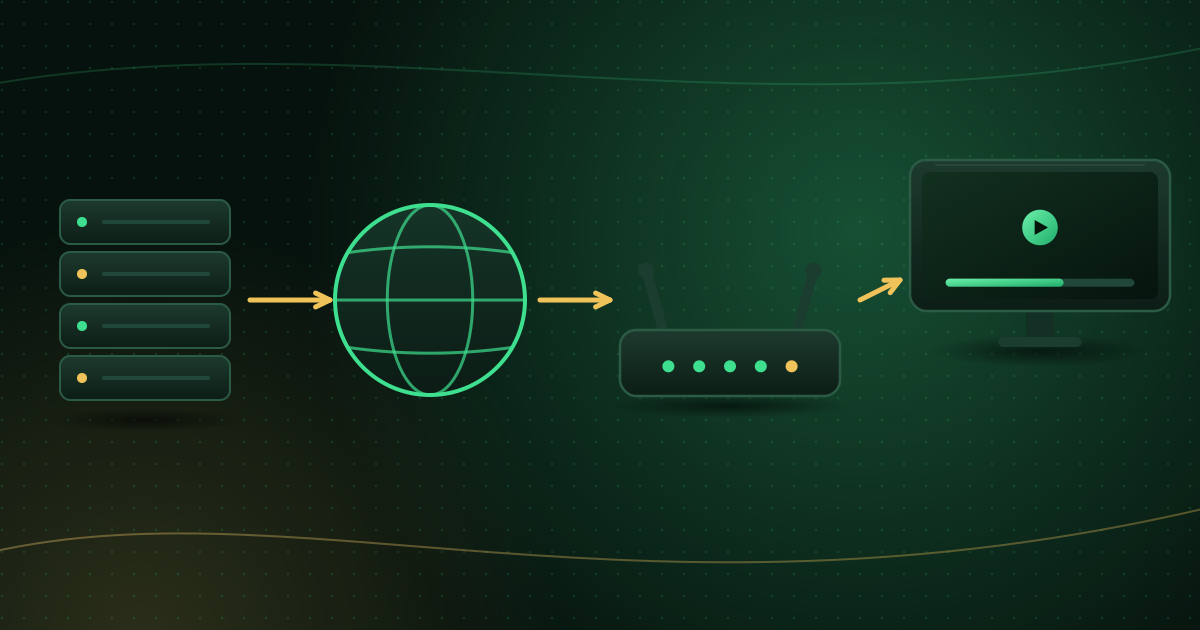
What is IPTV?
IPTV delivers TV over the internet instead of an aerial, satellite dish or cable. Learn how it works, live vs on-demand, what you need and the risks to avoid.

Official website
Set up Cobra IPTV on your Smart TV, streaming stick, phone or computer with a standard player app, with clear setup guides, compatibility checks and troubleshooting help in one place.
Why Cobra IPTV
No proprietary box to buy. Bring a compatible device, add a player app and sign in. It’s simple, flexible and works on the screens you already have.
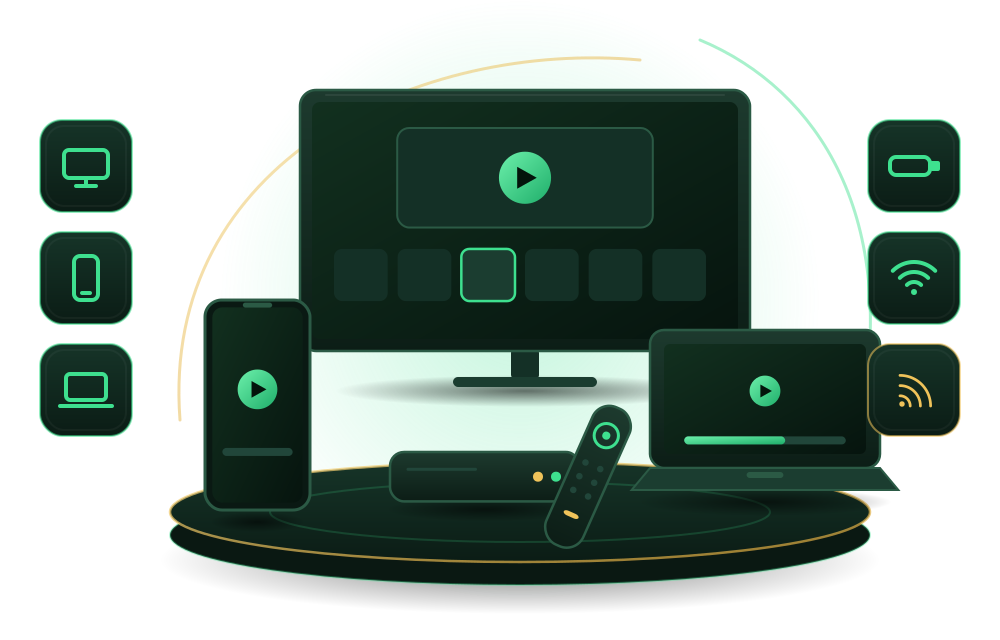
Cobra IPTV works through standard IPTV player apps, so you can pick one that suits your device and the way you like to browse.
Compare player appsSmart TVs, streaming sticks, TV boxes, phones, tablets and computers can all run compatible player apps.
See compatible devicesA step-by-step guide covers both Xtream Codes and M3U logins, from installing a player to loading the TV guide.
Read the setup guideA troubleshooting checklist covers login errors, buffering, missing guide data and app crashes, in the order most likely to fix them.
Fix playback problemsHow it works
Get started in minutes. No complicated setup, just follow these simple steps and enjoy your favorite content on any device.

Plans
Choose how long you want to subscribe and how many devices you watch on at the same time.
1 device
€20 / 1 month
Billed for 1 month
1 device
€36 / 3 months
That’s €12 per month
1 device
€45 / 6 months
That’s €7.50 per month
1 device
€69 / 12 months
That’s €5.75 per month
2 devices
€35 / 1 month
Billed for 1 month
2 devices
€60 / 3 months
That’s €20 per month
2 devices
€85 / 6 months
That’s €14.17 per month
2 devices
€130 / 12 months
That’s €10.83 per month
Compatibility
If your device can install an IPTV player app that supports Xtream Codes or M3U logins, it can play Cobra IPTV. Enjoy your favorite content on all your devices.

Questions
Three things: a compatible device (a Smart TV, streaming stick, TV box, phone, tablet or computer), an IPTV player app installed from an official app store, and a stable internet connection. Your Cobra IPTV login details go into the player app.
See compatible devicesYour login details are provided when your subscription is activated. Depending on your account they come as an Xtream Codes login (server address, username and password) or as an M3U playlist link. The setup guide shows where to enter each one.
Read the setup guideAny reputable player that supports your login format and runs on your device. If you have an Xtream Codes login, choose a player with Xtream Codes support; if you have an M3U link, choose one that accepts M3U playlists. Our player compatibility guide compares the options.
Compare player appsThe number of simultaneous connections depends on your plan. Watching on more devices at once than your plan allows usually causes login or playback errors, so check your plan details before adding a device.
Guides
IPTV delivers TV over the internet instead of an aerial, satellite dish or cable. Learn how it works, live vs on-demand, what you need and the risks to avoid.
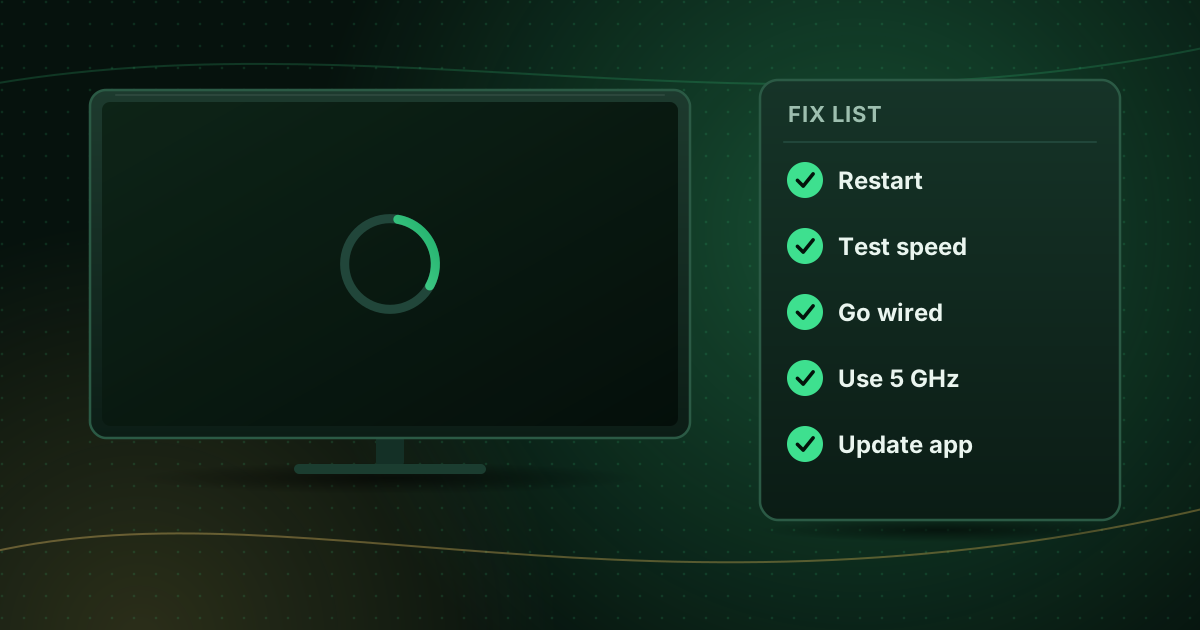
Live streams buffering? Work through 12 fixes in the right order, from a quick restart to Wi-Fi, device, player and network changes that actually help.
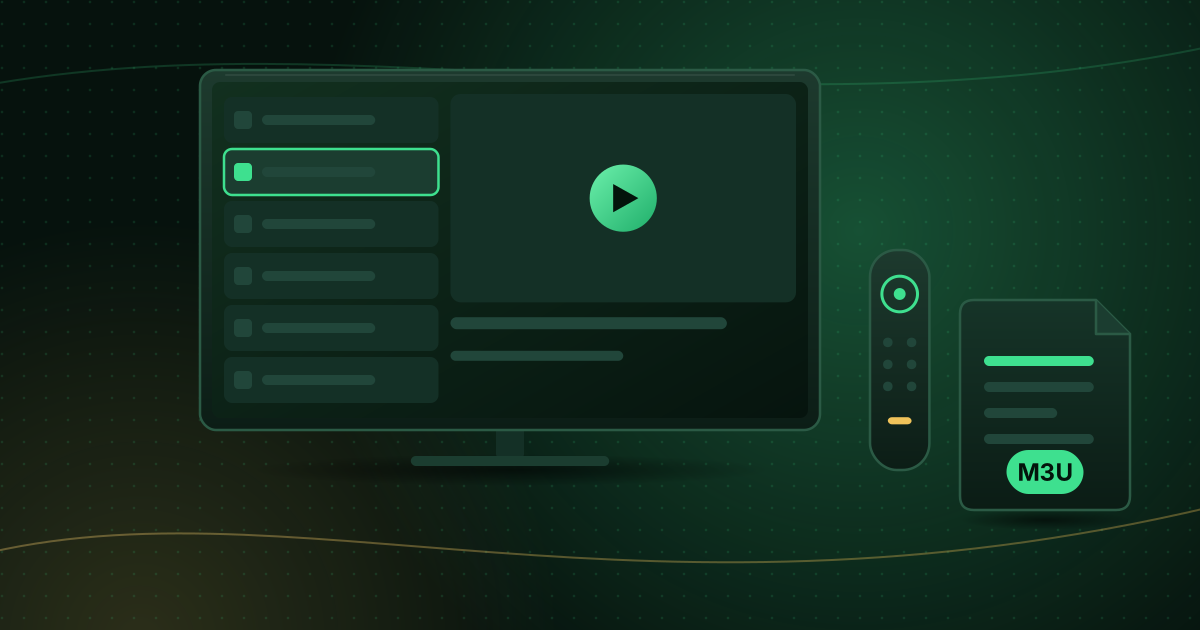
Set up IPTV on an Android TV or Google TV device: install a player from Google Play, add an M3U or Xtream Codes login, load the guide and tune playback.
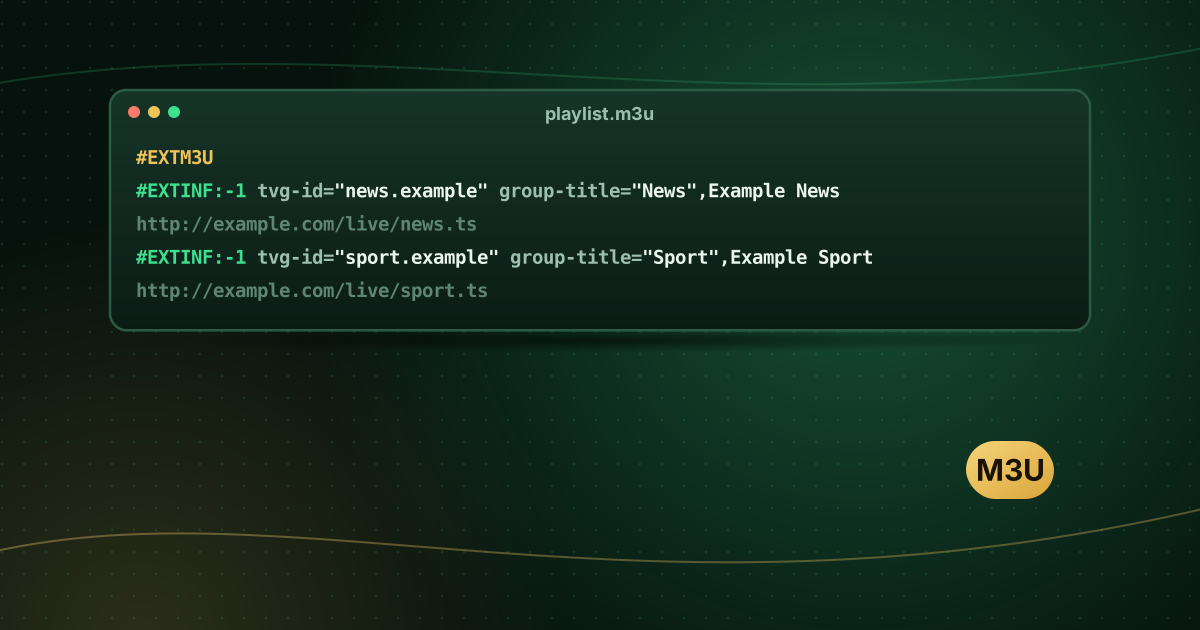
An M3U playlist is a plain-text list of media locations. See how #EXTM3U and #EXTINF work, what tvg tags mean and how players use M3U for live TV.
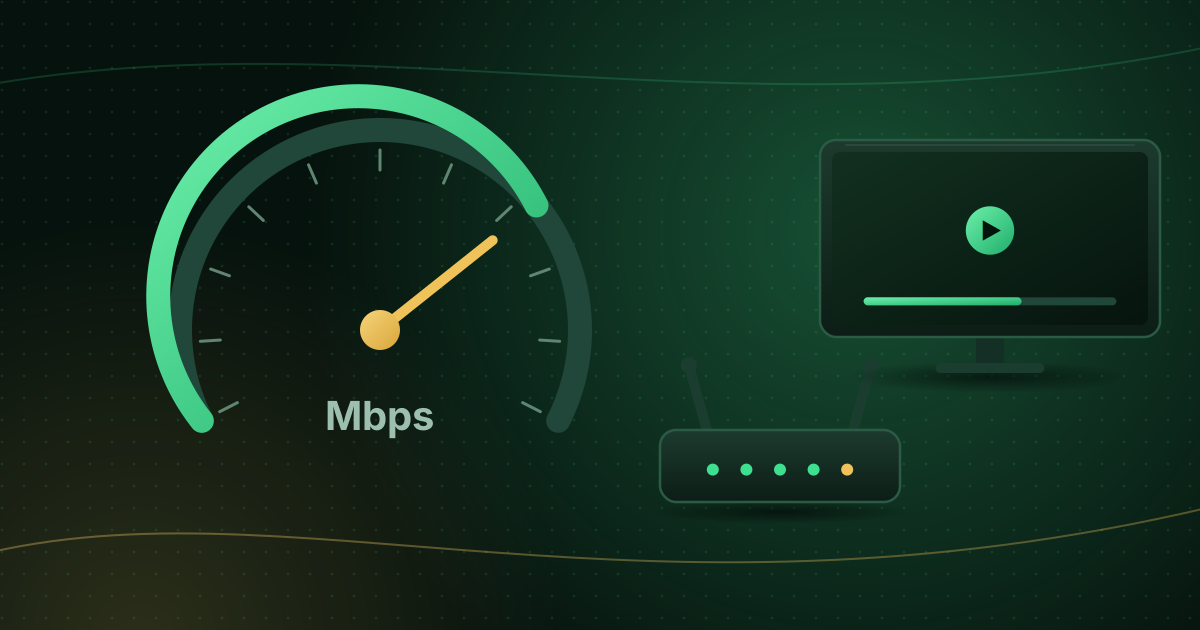
How much internet speed streaming needs per stream and for your whole household, how to work out your own number and how to test your connection properly.
IPTV is a legitimate technology, but not every service has the rights to what it streams. Learn the difference, the warning signs and how to check a provider.
Our support team can help you check your device and choose the right setup.