An M3U playlist is a plain-text file that lists the locations of media, one entry after another. Originally created for music players, the format is now the most common way IPTV players receive a list of live channels. Because it is just text, you can open an M3U file in any text editor and see exactly what your player will see.
The basic structure
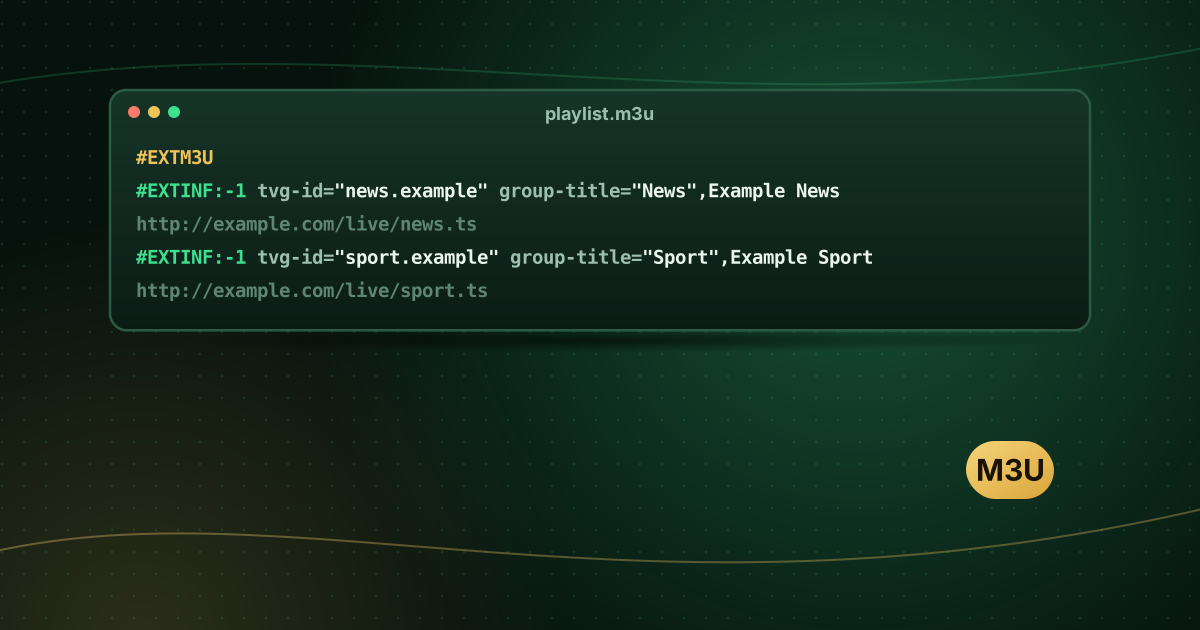
An M3U file is a list of lines. Lines that start with # are tags or comments; other lines are the location of a media item, usually a web address. The extended format starts with a header line:
#EXTM3U
#EXTINF:-1,Example News
http://example.com/live/news.ts
#EXTINF:-1,Example Sport
http://example.com/live/sport.ts#EXTM3Uidentifies an extended M3U playlist. It must be the first line.#EXTINFdescribes the entry that follows: a duration and a display name. Live channels use-1because they have no fixed length.- The next line is the stream’s address.
IPTV tags: tvg-id, tvg-name, tvg-logo and group-title
IPTV playlists add attributes inside the #EXTINF line so players can show logos, groups and guide data:
#EXTM3U url-tvg="http://example.com/guide.xml"
#EXTINF:-1 tvg-id="news.example" tvg-name="Example News" tvg-logo="http://example.com/logos/news.png" group-title="News",Example News
http://example.com/live/news.ts| Attribute | Meaning |
|---|---|
tvg-id | Identifier used to match the channel with the TV guide (EPG) |
tvg-name | Name used for guide matching when tvg-id is absent |
tvg-logo | Address of the channel logo image |
group-title | The category the channel appears under (for example “News”) |
tvg-chno | Channel number |
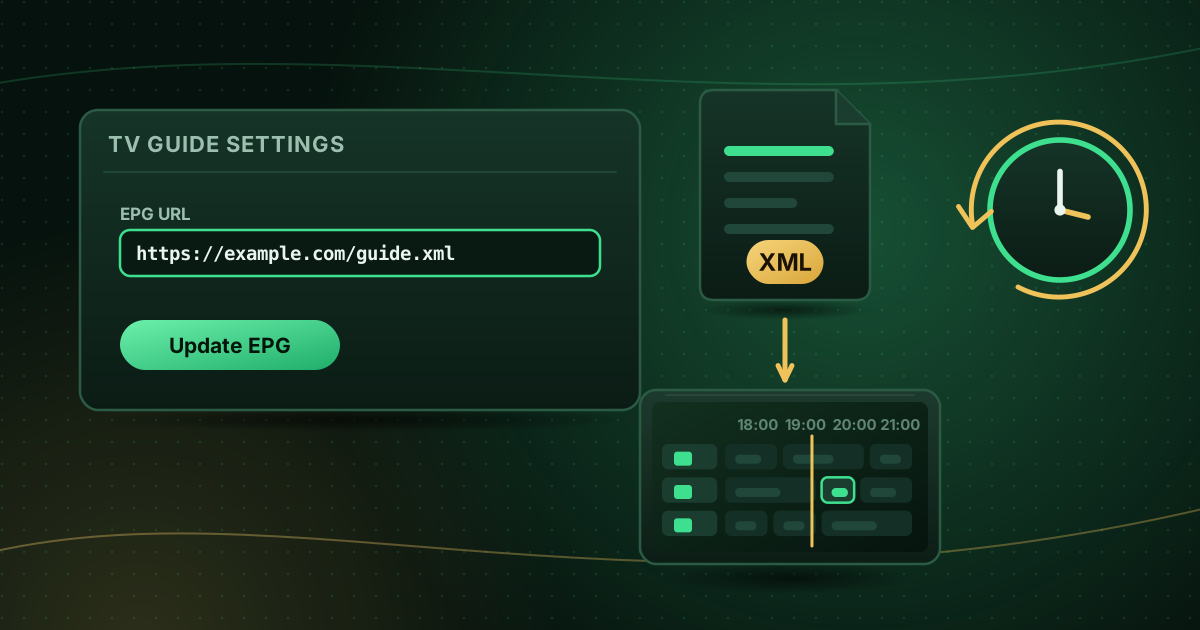
url-tvg / x-tvg-url (in the header) | Address of the XMLTV guide for the whole playlist |
These tags are a widely used convention rather than an official standard, so players support different subsets. The Kodi wiki documents how its PVR IPTV Simple Client uses tvg-id, tvg-name and tvg-logo; see our Kodi setup guide.
M3U file or M3U URL?
You can receive a playlist in two ways:
- As a file (
playlist.m3u) that you load into the player from storage. - As a URL that the player downloads, often generated by your provider and containing your login.
A URL is more convenient because the provider can update the list without sending you a new file. Treat it like a password: anyone with the link can use your account.
M3U and M3U8
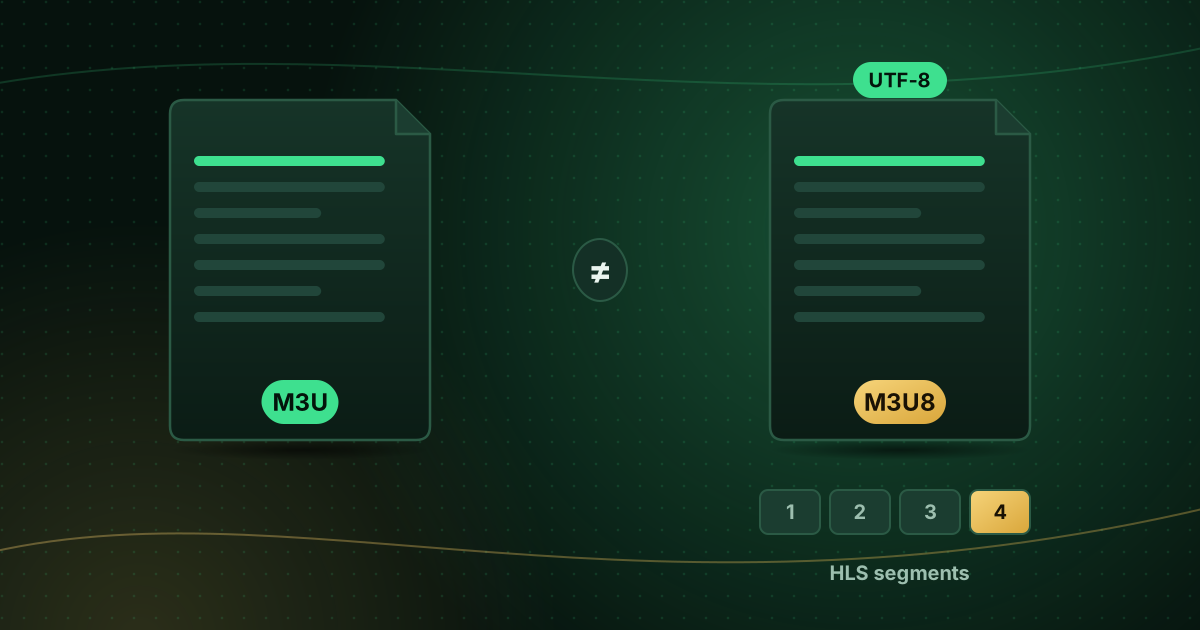
The .m3u8 extension indicates a UTF-8 encoded playlist. It is also the playlist format behind HLS (HTTP Live Streaming), where the playlist lists short video segments rather than whole channels. Read M3U vs M3U8 for the details.
How a player uses an M3U playlist
- It downloads or opens the file.
- It reads each
#EXTINFline to build the channel list, groups and logos. - It loads guide data from the XMLTV address (from the header or from a separate setting) and matches channels by
tvg-id. - When you select a channel, it opens the stream address on the next line.
Some players also accept an Xtream Codes login, which delivers the same information through a different method; M3U vs Xtream Codes compares the two.
Editing a playlist safely
You can open an M3U file in a text editor to remove unwanted groups or reorder channels. Keep these rules in mind:
- Save in UTF-8 to keep accented characters intact.
- Keep every
#EXTINFline directly above its stream address. - Do not change stream addresses; they are specific to your account.
- Many players let you hide groups and set favourites without editing the file at all, which is safer.
Common M3U problems
- The playlist will not load: check the URL is complete and the account is active. See M3U playlist not loading.
- Channels but no guide: missing or mismatched
tvg-idvalues. - Odd characters in names: the file is not being read as UTF-8.
- Quick test: open the playlist in VLC to check it works outside your usual player; see opening an M3U playlist in VLC.
Frequently asked questions
Is it safe to open an M3U file?
An M3U file is plain text, so opening it in a text editor is harmless. The risk lies in where the links lead: only use playlists from providers you trust, and never install apps that a playlist or its website asks you to download.
What does #EXTINF:-1 mean?
#EXTINF describes the entry on the next line. The -1 is the duration in seconds; -1 means “unknown or unlimited”, which is used for live channels.
Can I get an M3U link if I only have an Xtream Codes login?
Many providers can supply both formats for the same account. Ask your provider rather than trying to build a link yourself.
Summary
An M3U playlist is a simple text list: #EXTM3U at the top, then pairs of #EXTINF description lines and stream addresses. IPTV attributes such as tvg-id, tvg-logo and group-title add guide matching, logos and categories. Keep your playlist URL private, and use your player’s favourites and group settings rather than editing the file where possible.
Sources and further reading
Menus and app availability change with software updates. If a step looks different on your device, check the device or app maker’s help page linked above.