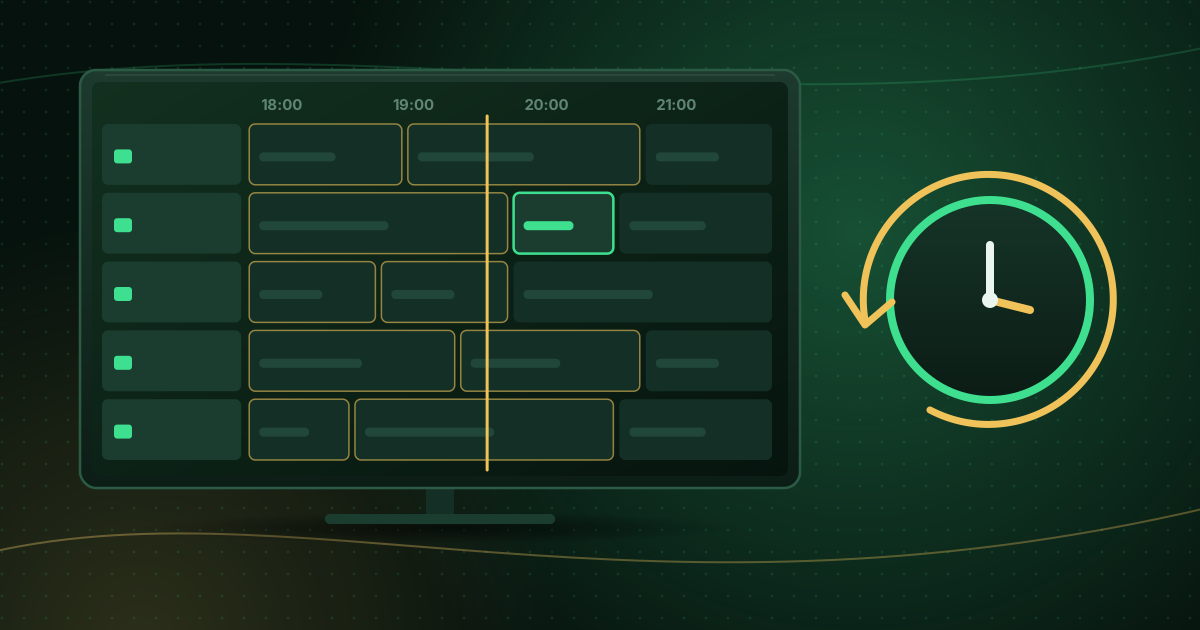
An EPG, or electronic program guide, is the on-screen TV guide that tells you what is on now, what is next and what is coming up later on each channel. Traditional TV has had EPGs for decades; IPTV players have them too, but the guide data arrives separately from the video, which is why it sometimes goes missing. This guide explains how EPGs work and what to check when yours is empty.
What an EPG shows
A typical guide includes:
- Now and next for each channel.
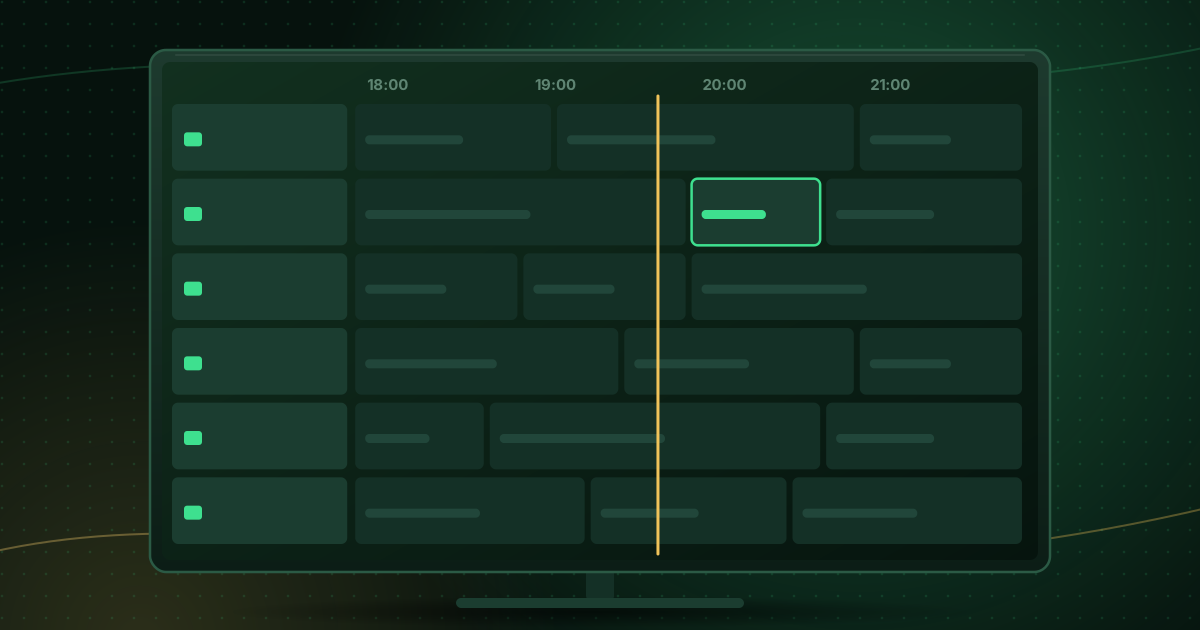
- A grid with channels down the side and time slots across the top.
- Programme details: title, description, start and end times, sometimes episode numbers, categories and ratings.
- Shortcuts to reminders, recordings or catch-up, where the player and provider support them.
Where EPG data comes from
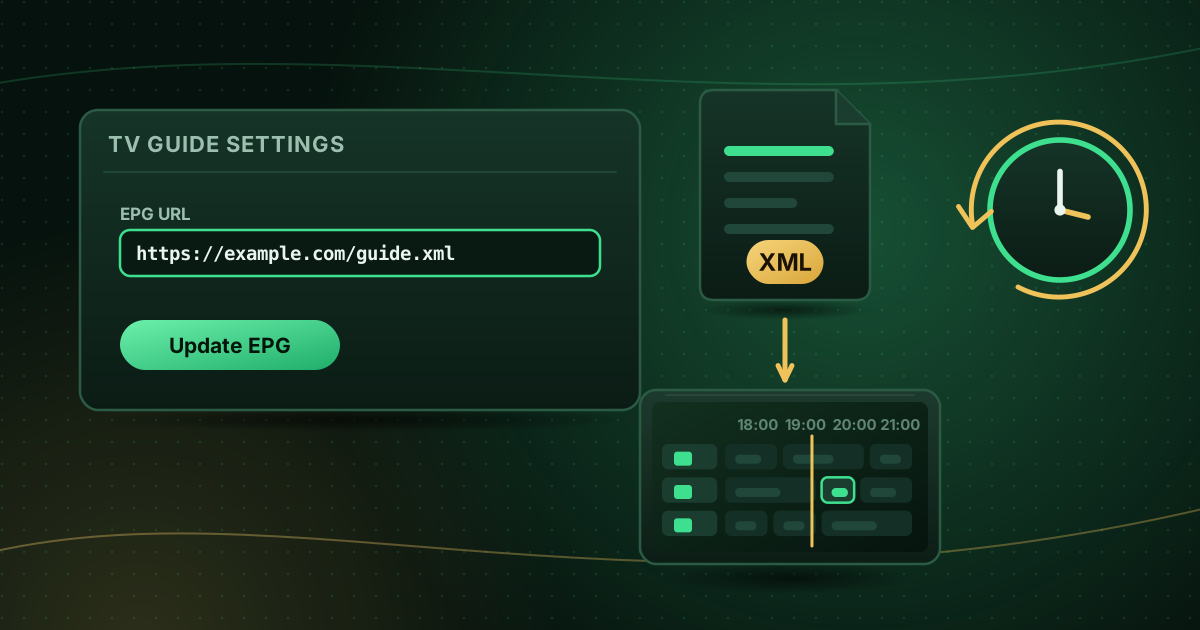
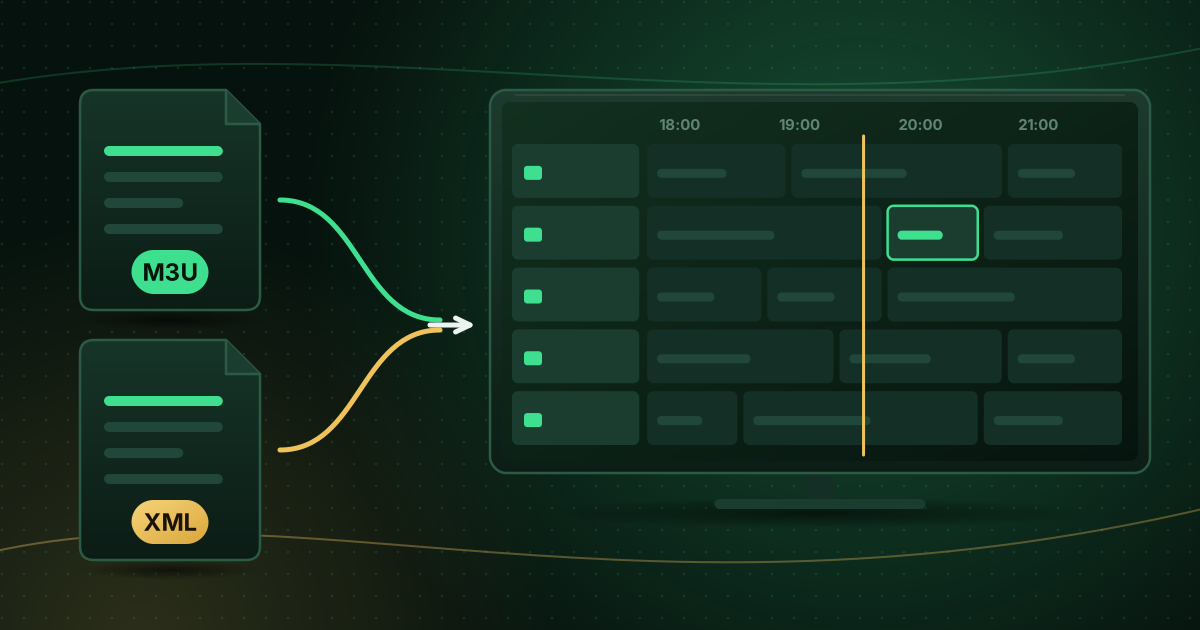
On satellite and cable TV, guide data is broadcast alongside the channels. In IPTV, it usually comes as a separate XMLTV file, an XML format designed for TV listings. A player downloads that file, reads the programme entries and matches them to the channels in your playlist.
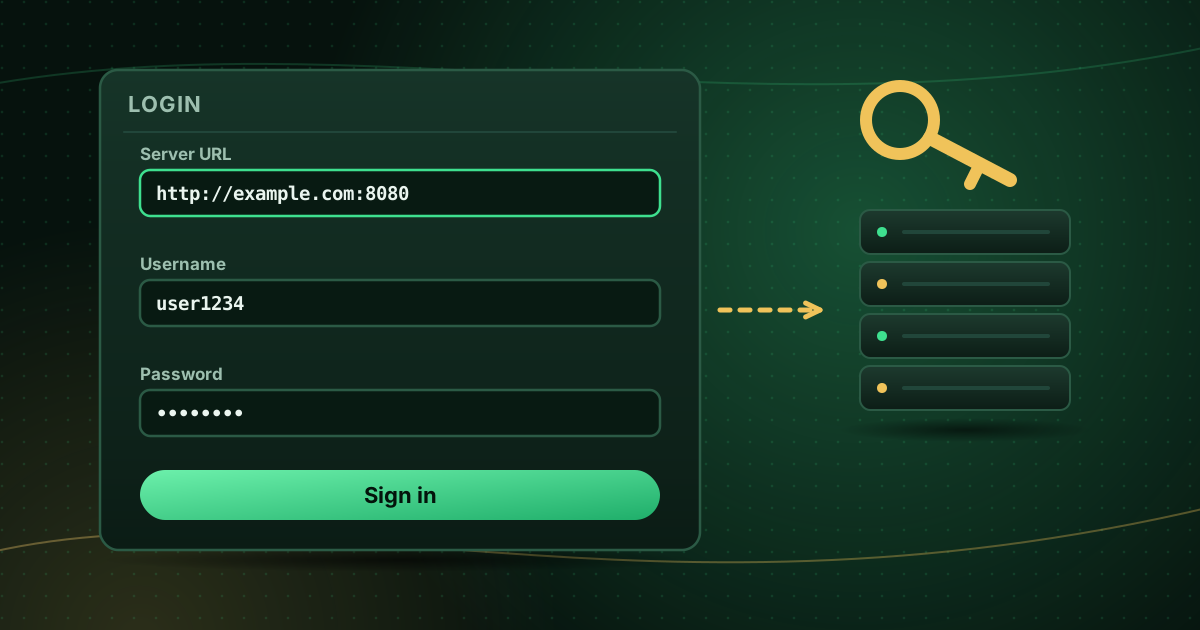
With an Xtream Codes login, the player usually requests guide data from the provider’s server automatically. With an M3U playlist, the guide address may be included in the playlist header or you may need to add it yourself; see how to add an EPG URL.
How channels are matched to guide data
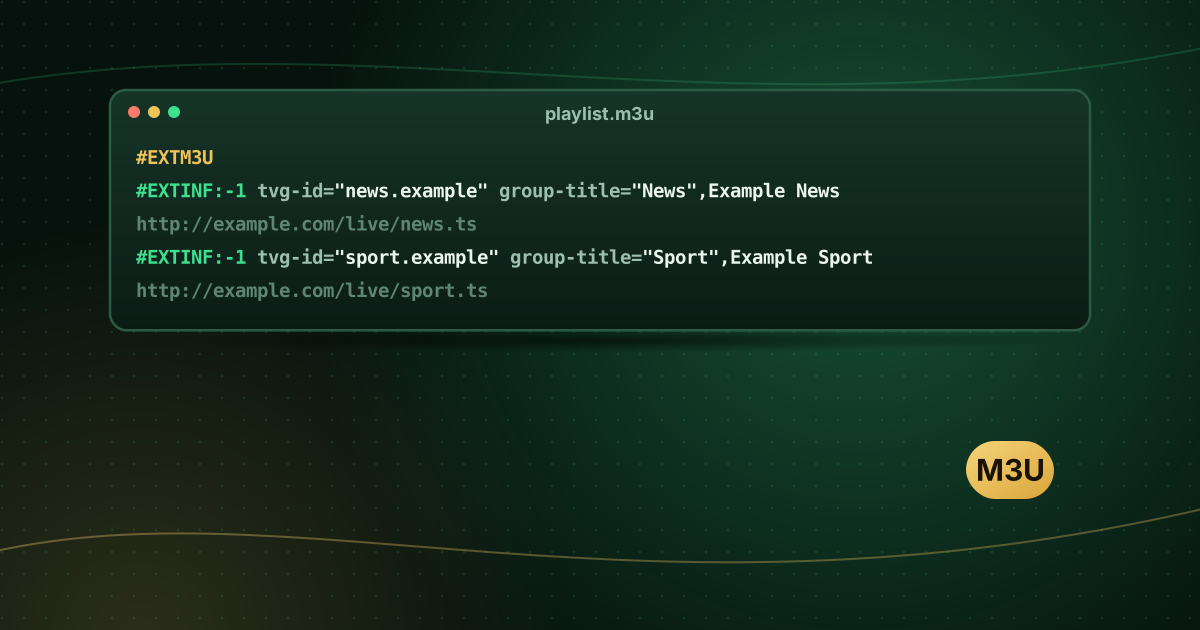
Each channel in an M3U playlist can carry a tvg-id. The XMLTV file has a matching id for each channel. When the two match, the player knows which programmes belong to which channel. If they do not match, that channel shows “No information” even though the rest of the guide works.
Why your EPG might be empty
| Cause | What to do |
|---|---|
| Guide has not downloaded yet | Wait a few minutes after the first login, then refresh |
| No EPG address for an M3U playlist | Add the XMLTV URL in the player’s guide settings |
Mismatched tvg-id for some channels | Ask your provider, or check the IDs if you manage the files yourself |
| Guide file too large for the device | Reduce “days to keep” or use a smaller guide if your provider offers one |
| Wrong times | Set the EPG time offset or time zone in the player |
| Old cached data | Clear the player’s guide data and reload |
The account-specific Cobra IPTV troubleshooting page also covers guide problems.
Why guide times can be wrong
XMLTV programme times include a time-zone offset. If the player, the device clock or the guide file disagree, everything can shift by an hour or more. Fix it in this order:
- Make sure the device’s date, time and time zone are correct (preferably automatic).
- Use the player’s EPG time offset to correct a consistent shift.
- Refresh the guide.
EPG and catch-up TV
Catch-up (or timeshift) lets you watch programmes that already aired, and it relies on the guide: you pick a past programme from the EPG and the player requests that time window. Without guide data, catch-up is hard to use. Read what catch-up TV is to learn how it works.
Tips for a faster guide on small devices
- Keep only the days you need (for example 3 to 7).
- Refresh once a day rather than every hour.
- Hide channel groups you never watch; some players then skip their guide data.
- Clear the player’s cache occasionally on Fire TV and Android TV.
Frequently asked questions
Is EPG data free?
Guide listings are compiled and published by companies and broadcasters, and some are licensed. Your provider normally supplies guide data with your service. Use the guide your provider gives you or another legitimate source.
How often does the TV guide update?
Most players refresh the guide once a day or when you open the app. You can usually change the interval in the player’s EPG settings or trigger a manual refresh.
Can I use a different EPG source?
Some players let you add more than one guide source. It only works if the channel IDs in the guide match the tvg-id values in your playlist; otherwise the guide stays empty for those channels.
Summary
The EPG is the TV guide in your player. In IPTV it comes from separate guide data, usually XMLTV, matched to channels through IDs. Most “empty guide” problems come down to a missing guide address, mismatched IDs or time settings. For a full Kodi example, see setting up PVR IPTV Simple Client.
Sources and further reading
Menus, apps and settings change with software updates. If something looks different on your device, check the official help pages from your device maker or app developer.