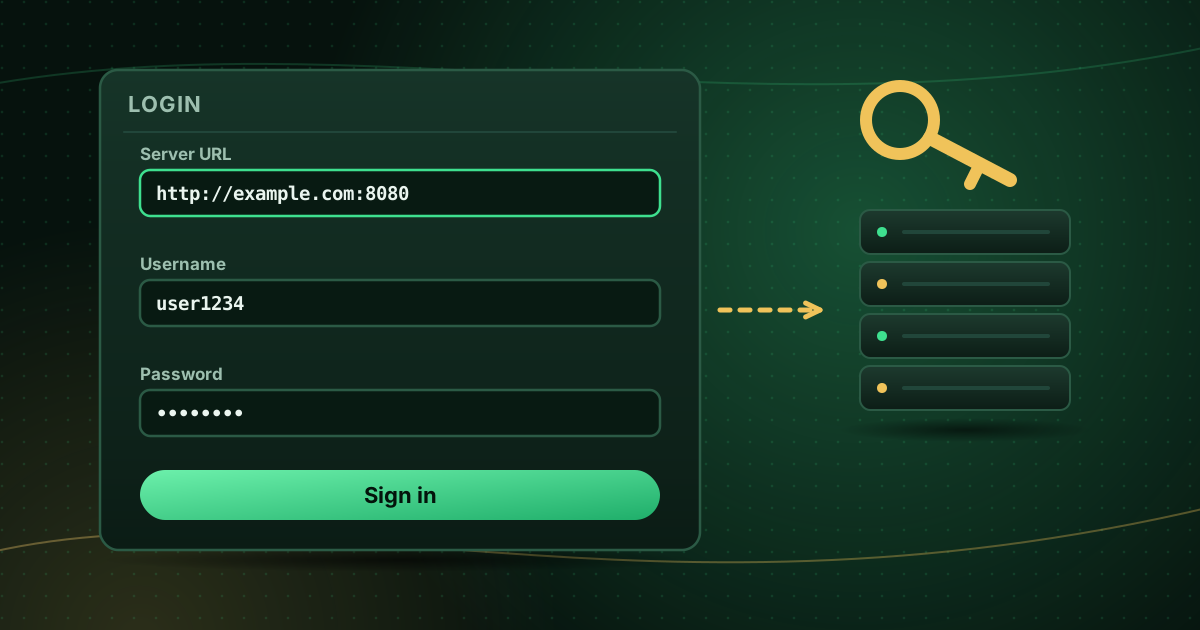
If your IPTV provider sends you a server URL, a username and a password, you have what most players call an Xtream Codes login or Xtream Codes API login. It is one of the two common ways to connect a player to a service (the other is an M3U playlist link). This guide explains what the term means today, how the login works, how it compares with M3U and how to enter it without errors.
Where the name comes from
“Xtream Codes” was originally the name of a server-management product used by IPTV operators. In September 2019, Italian police coordinated a Europe-wide operation against pirate TV distribution that targeted the Xtream Codes platform, as reported by the Italian news agency ANSA at the time.
The login format outlived the original product. Many player apps still label the option “Xtream Codes API”, and many providers, legitimate and otherwise, use servers that speak the same interface. Seeing the term in a player does not tell you whether a service is licensed; that depends on the provider. See is IPTV legal? for how to tell.
How an Xtream Codes login works
Instead of downloading one large playlist file, the player talks to the provider’s server:
- You enter the server URL, username and password.
- The player signs in and requests the live channel list, video library and series separately.
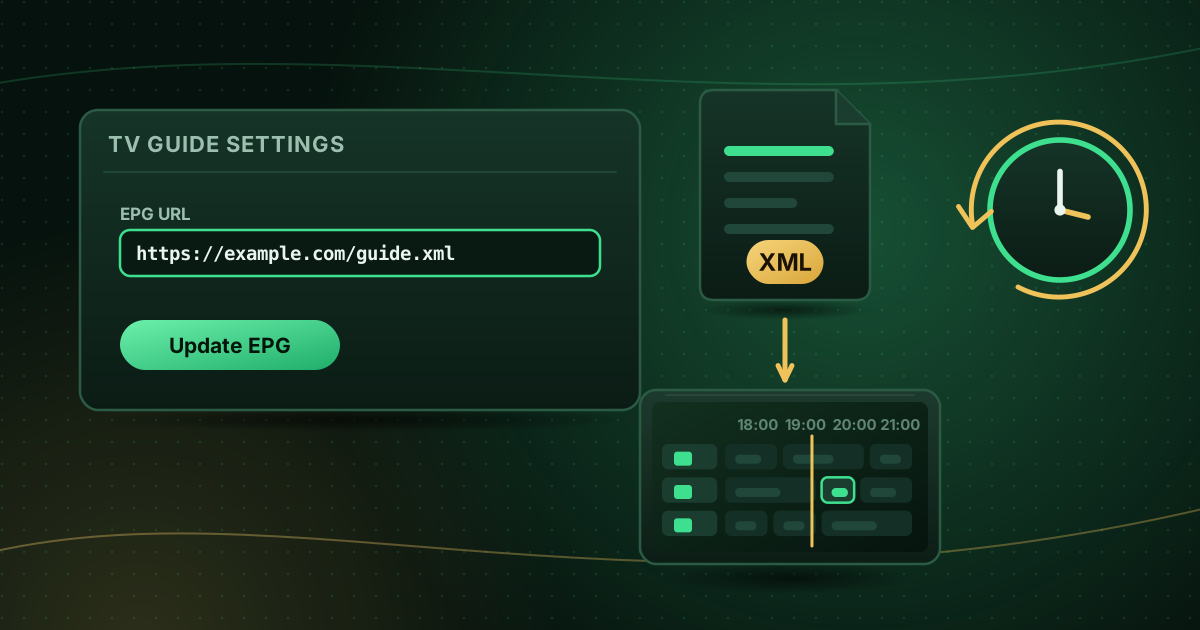
- It requests guide data for the channels.
- Some servers also report account information such as the expiry date and the number of allowed connections.
Because the player asks for each part as needed, an Xtream Codes login often loads faster and keeps categories tidier than a very large M3U file.
Xtream Codes vs M3U
| Xtream Codes login | M3U playlist | |
|---|---|---|
| What you enter | Server URL, username, password | One long URL |
| TV guide | Usually automatic | Often needs a separate EPG URL |
| Video library and series | Usually organised automatically | Depends on the playlist |
| Account details in the app | Often shown | Not shown |
| Typing on a TV remote | Easier | Error-prone |
| Player support | Most dedicated IPTV players | Almost every player, including VLC and Kodi |
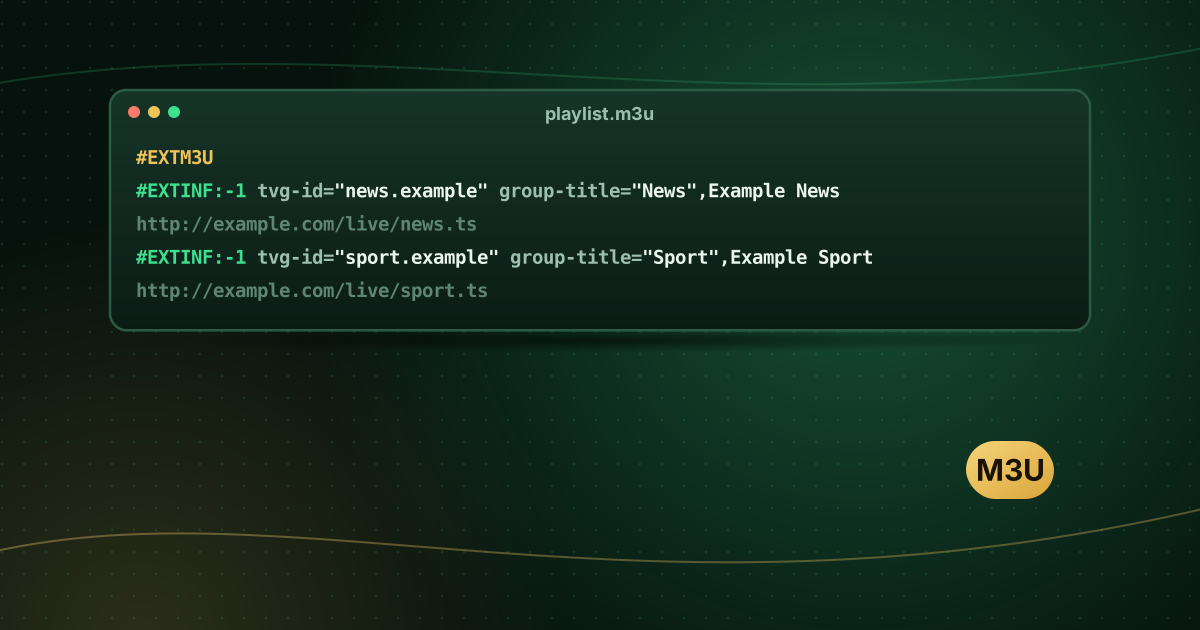
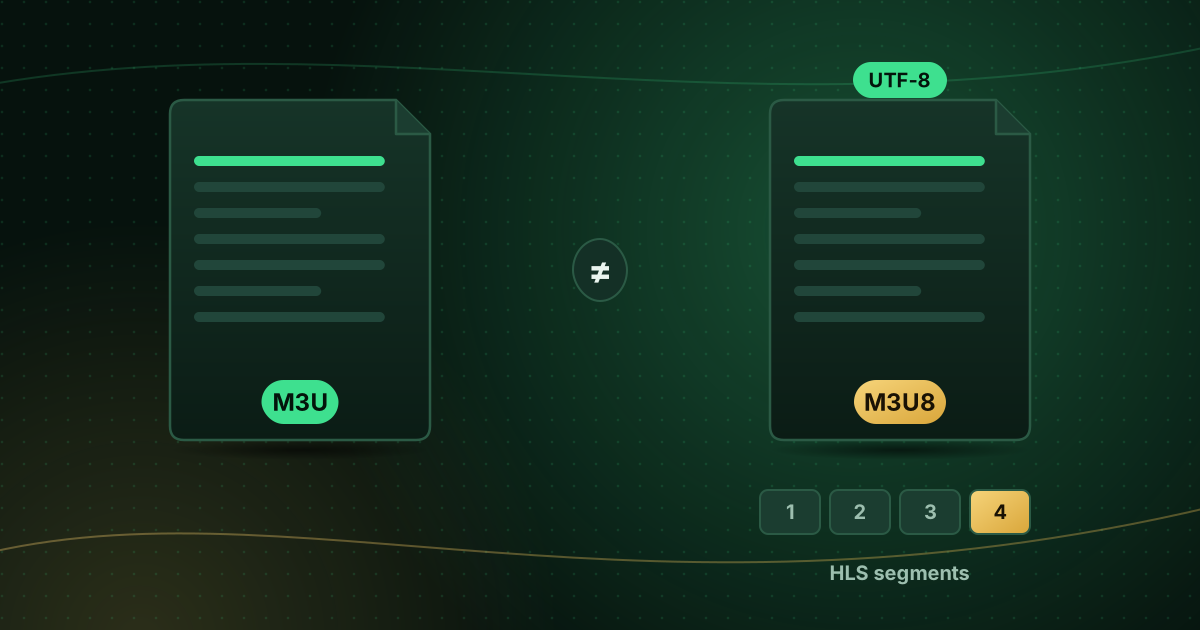
Our IPTV player compatibility guide compares the formats in more detail, and what an M3U playlist is explains the alternative.
How to enter an Xtream Codes login correctly
- In your player, choose Add user, Add playlist → Xtream Codes or Login with Xtream Codes API.
- Name: anything you like, for example “Home”.
- Server URL: enter it exactly as provided, including the protocol and port, for example
http://example.com:8080. Do not add extra paths unless your provider tells you to. - Username and password: both are case-sensitive.
- Save and wait for the content to load.
The most common mistakes
- Leaving out
http://orhttps://. - Missing the port number (the
:8080part). - Adding a trailing space when pasting.
- Confusing
0(zero) withO, orlwithI. - Using
https://when the server only supportshttp://, or the reverse.
When the login fails
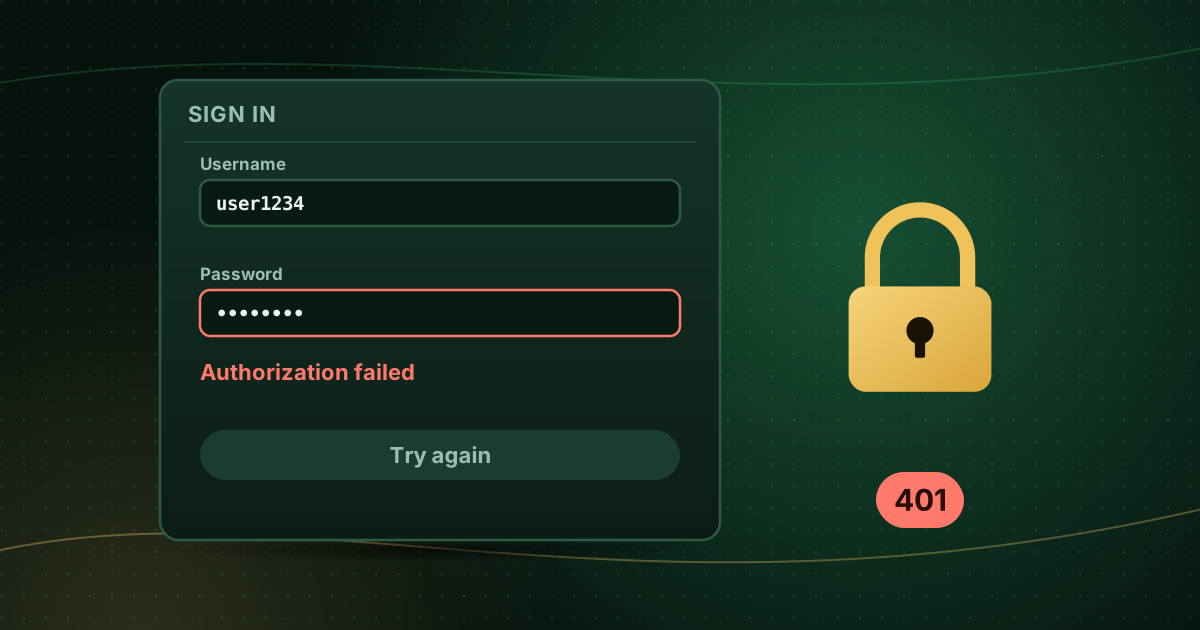
Players report errors in different ways: “authorization failed”, “invalid credentials”, or an HTTP code such as 401 or 403. According to MDN, a 401 response means the request lacks valid authentication, while a 403 means the server understood the request but refuses to authorise it. In IPTV terms, that usually means wrong details, an expired account, or too many devices connected at once.
Our step-by-step guide to fixing “authorization failed” errors works through every cause.
Keep your login safe
- Treat the username and password like any other account password.
- Do not post screenshots of your login settings online.
- If you suspect someone else is using your account, ask your provider to reset the password.
Frequently asked questions
What is the server URL in an Xtream Codes login?
It is the address of your provider’s server, usually in the form http://server-address:port. Enter it exactly as given, including the protocol and port number, and nothing extra.
Can I turn an Xtream Codes login into an M3U link?
Many providers can give you both for the same account. Ask your provider for the M3U link if you need it for a player such as VLC or Kodi.
Is an Xtream Codes login secure?
Credentials sent over http:// are not encrypted. If your provider offers an https:// server address, use it, and treat your login like any other password.
Summary
An Xtream Codes login is a server URL, username and password that a player uses to fetch channels, the video library and the guide from your provider. It is easier to type and more organised than an M3U link, but it is only a format; it says nothing about whether a service is licensed. Cobra IPTV customers can follow the field-by-field instructions in the Cobra IPTV setup guide.
Sources and further reading
Menus, apps and settings change with software updates. If something looks different on your device, check the official help pages from your device maker or app developer.