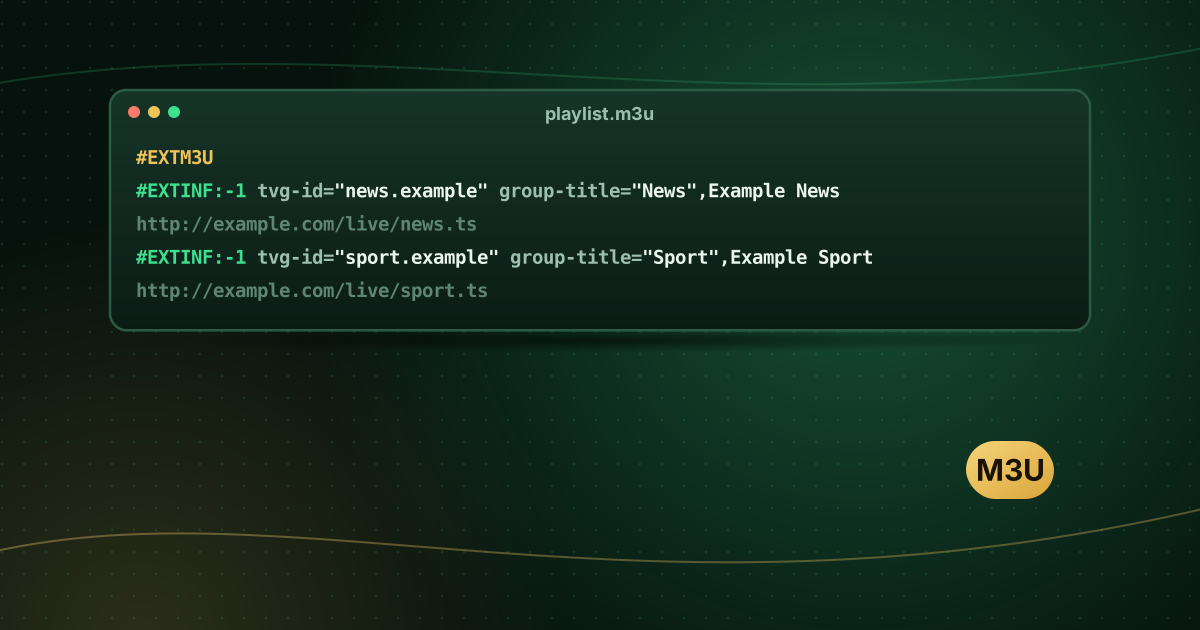
VLC media player is free, open source and available on Windows, macOS, Linux, Android and iOS, and it can open M3U playlists directly. That makes it the quickest way to check whether a playlist works, or to watch a few channels on a computer without installing anything else. This guide shows how to open an M3U playlist from a file or a URL on each platform, browse the channels and fix stuttering.
Before you start
- Download VLC only from the official VideoLAN website or your device’s official app store.
- Have your playlist ready: either an
.m3u/.m3u8file saved on the device, or a playlist URL from your provider. - Keep your playlist URL private. It usually contains your login, so anyone with the link can use your account.
Windows
Open a playlist URL
- Open VLC.
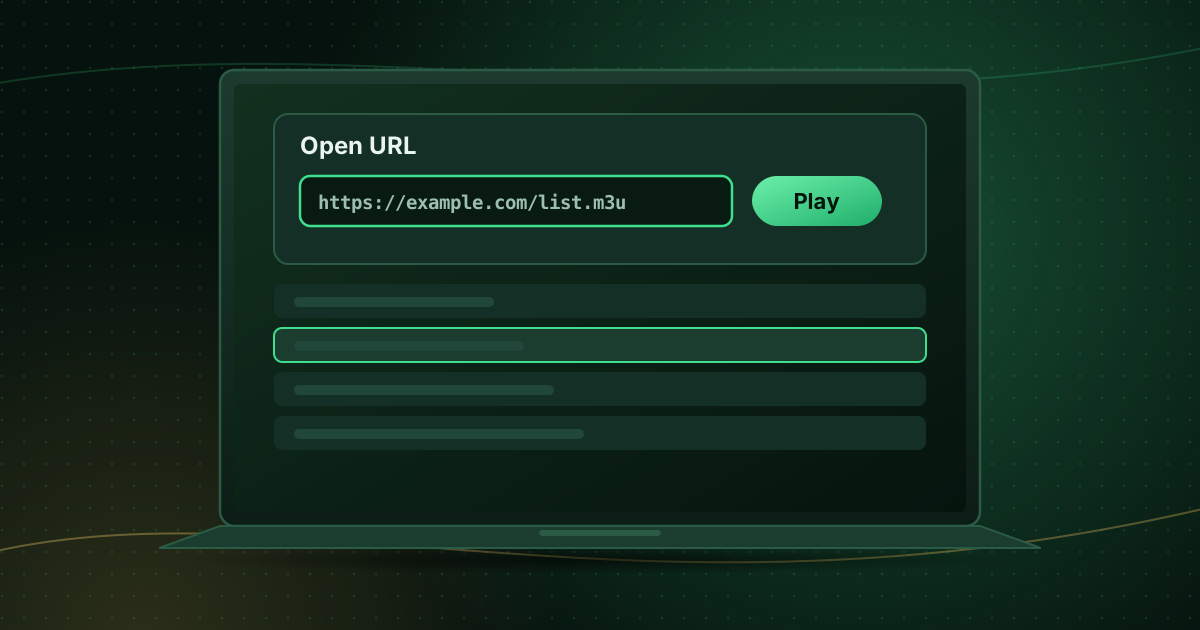
- Select Media → Open Network Stream (or press Ctrl + N).
- Paste the playlist URL into the network URL box.
- Select Play.
Open a playlist file
Select Media → Open File and choose the .m3u file, or drag the file onto the VLC window.
Browse channels
Press Ctrl + L or select View → Playlist to show every entry. Double-click a channel to play it. Use the search box at the top of the playlist to find a channel by name.
macOS
- Open VLC.
- Select File → Open Network for a URL, or File → Open File for a saved playlist.
- Paste the URL and select Open.
- Show the list with Window → Playlist.
Android
- Install VLC from Google Play.
- Open the More tab and choose New stream (or Stream, depending on the version).
- Paste the playlist URL and tap the arrow to open it.
- Saved playlist files appear under the Browse tab.
iPhone and iPad
- Install VLC from the App Store.
- Open the Network tab and choose Open Network Stream.
- Paste the URL and tap Open Network Stream.
Menu labels move between VLC versions. If you do not see an option, look for “Network”, “Stream” or “Open URL”.
Fixing stuttering and dropouts
VideoLAN’s documentation explains that playback stutter can often be reduced by increasing VLC’s network cache, which tells VLC how many milliseconds of video to buffer before playing:
- Open Media → Open Network Stream.
- Tick Show more options.
- Increase Caching (for example from the default to 3000 ms).
- Play the stream again.
A bigger cache means a longer wait before playback starts but fewer interruptions. On desktop you can also set this permanently in Tools → Preferences → Show settings: All → Input / Codecs → Network caching.
Other fixes:
- Use a wired connection; see Wi-Fi vs Ethernet for streaming.
- Toggle hardware-accelerated decoding under Tools → Preferences → Input / Codecs if channels show artefacts; see hardware vs software decoding.
What VLC can and cannot do with IPTV
| Feature | VLC |
|---|---|
| Open M3U / M3U8 playlists | Yes |
| Xtream Codes login | No (use the M3U link from your provider instead) |
| TV guide (EPG grid) | No |
| Favourites | Basic (save your own playlist) |
| Record a stream | Possible, for personal use where permitted |
For a full TV experience with a guide on a computer, Kodi with the PVR IPTV Simple Client add-on or a dedicated player is a better fit; compare the options in watching IPTV on Windows or Mac.
When the playlist does not open
- “Your input can’t be opened”: check the URL for missing characters or spaces, and test it again on another network.
- Empty playlist: the link may have expired or your account may be inactive.
- Some channels work, others do not: individual streams may be offline or use a format VLC cannot play on that device.
Our troubleshooting guide for M3U playlists that will not load goes through these one by one, and what is an M3U playlist? explains what is inside the file.
Frequently asked questions
Can VLC show a TV guide?
No. VLC plays playlists but has no programme guide. Use Kodi with PVR IPTV Simple Client or a dedicated IPTV player for a guide.
Can VLC use an Xtream Codes login?
Not directly. Ask your provider for the M3U link for your account, which VLC can open.
Why do some channels play in VLC but not in my TV app?
VLC supports a very wide range of formats. If a channel plays in VLC but not in your TV player, the TV app or device may not support that format; try switching its decoder or stream format.
Summary
In VLC, open a playlist URL with Open Network Stream (Windows, iOS) or Open Network (macOS), or the Stream option on Android, then browse channels in the playlist view. Increase network caching if streams stutter. VLC is ideal for testing and casual viewing; for a guide and favourites, move to a dedicated player.
Sources and further reading
Menus and app availability change with software updates. If a step looks different on your device, check the device or app maker’s help page linked above.