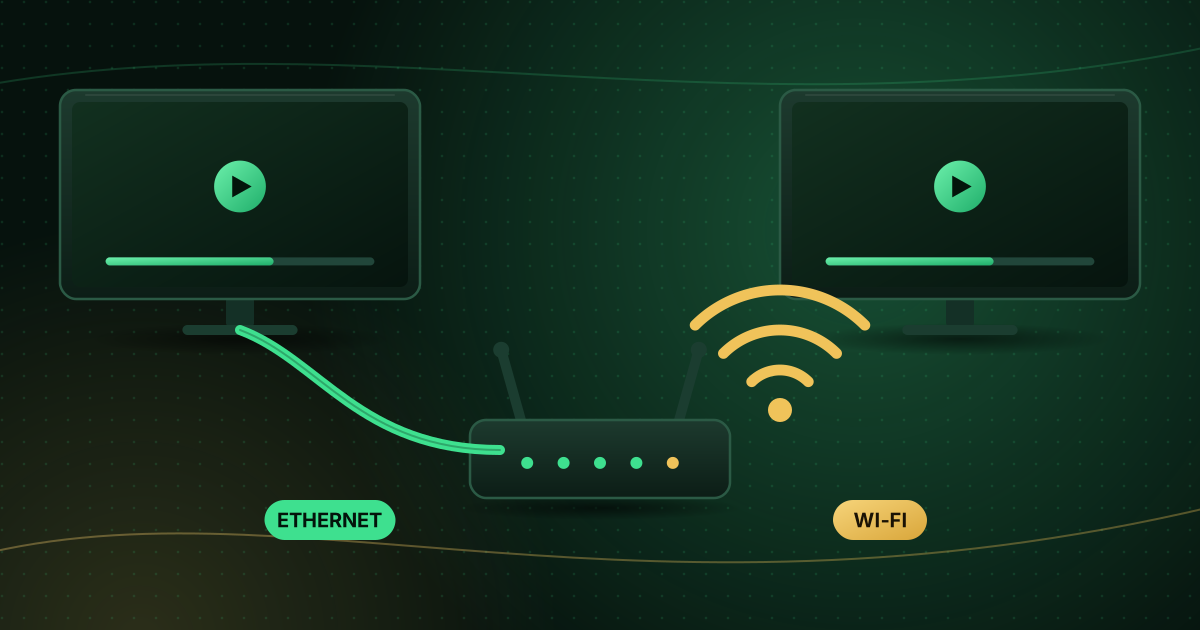
Wi-Fi is convenient, but for live TV a cable is still the most reliable connection you can give a TV or streaming device. That does not mean everyone needs to drill holes in walls. This guide compares Wi-Fi and Ethernet for streaming, explains why live TV is more sensitive than on-demand video, and covers the alternatives when you cannot run a cable.
The short answer
- Ethernet gives a stable, consistent connection with lower and steadier latency. It is the best choice for a TV or streaming box that stays in one place.
- Wi-Fi is fine when the signal at the TV is strong, the router is close and the network is not crowded.
- If live channels buffer but on-demand video does not, the problem is usually stability, not raw speed, and Ethernet fixes it more often than a faster internet plan.
Why live TV is less forgiving
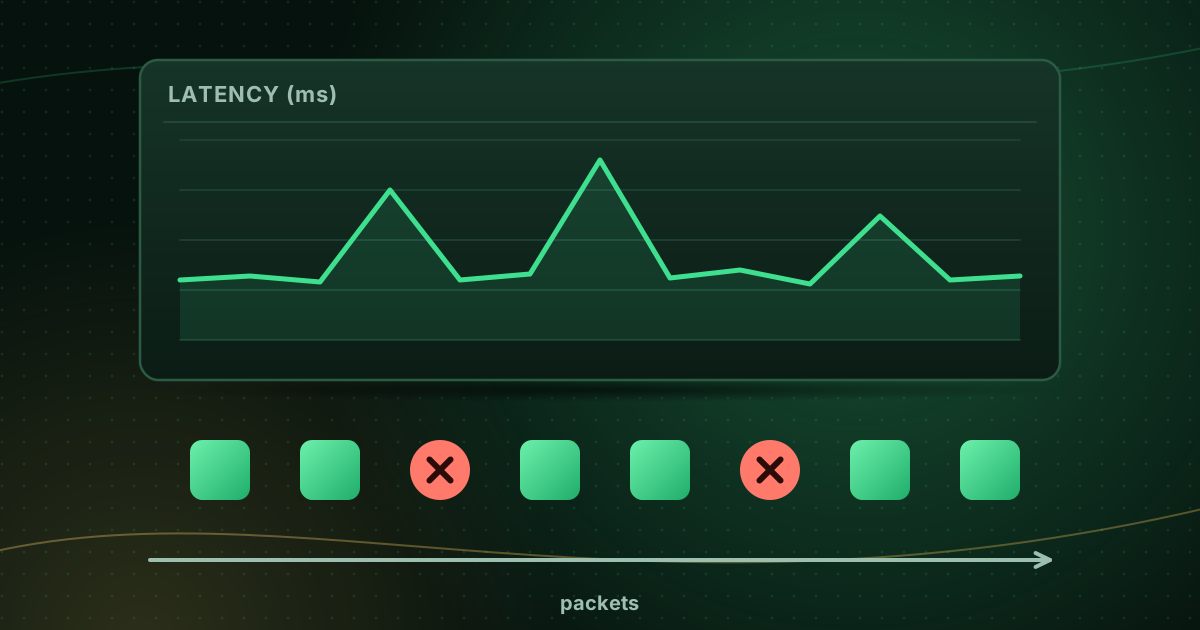
On-demand apps download several seconds or minutes ahead, so short Wi-Fi drops go unnoticed. Live streams cannot get far ahead of the broadcast, so the player has a small buffer and any interruption becomes a freeze. Variation in delay, called jitter, and lost data, called packet loss, matter as much as Mbps; our guide to jitter and packet loss explains both.
Wi-Fi vs Ethernet compared
| Ethernet | Wi-Fi | |
|---|---|---|
| Stability | Very consistent | Varies with distance, walls and interference |
| Latency and jitter | Low and steady | Higher and more variable |
| Affected by neighbours’ networks | No | Yes, especially on 2.4 GHz |
| Affected by microwaves, Bluetooth, walls | No | Yes |
| Setup | Needs a cable or adapter | Wireless |
| Best for | TVs, boxes, consoles, desktop PCs | Phones, tablets, laptops, devices close to the router |
When Wi-Fi is good enough
Wi-Fi works well for streaming when:
- The TV is in the same room as the router or one room away.
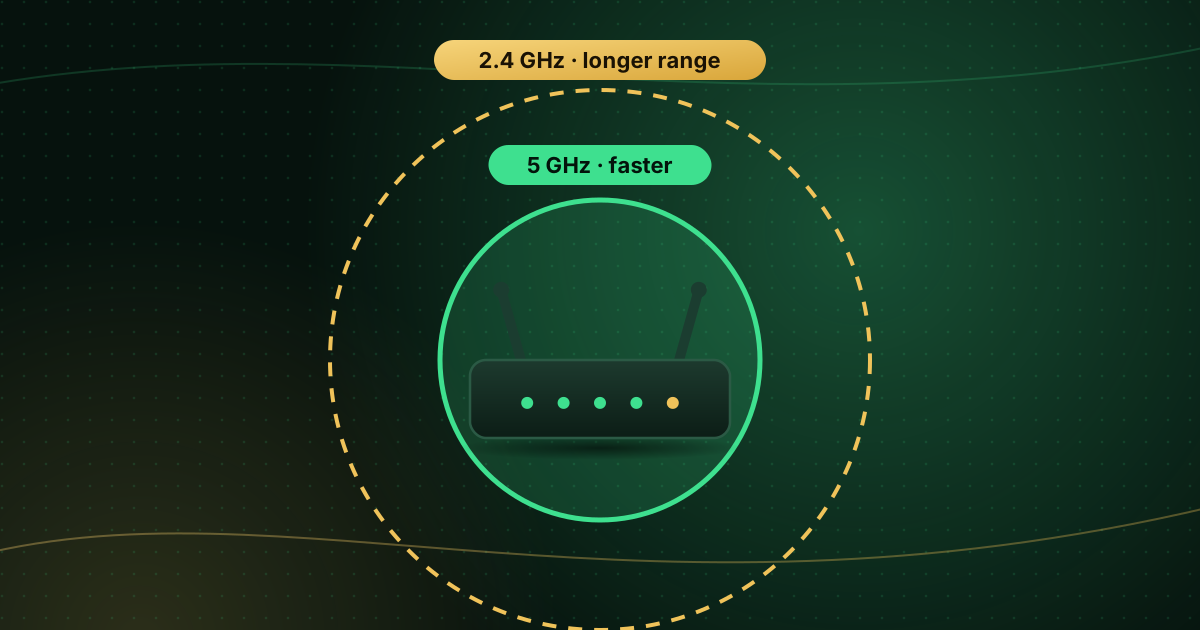
- The device supports the 5 GHz band (or Wi-Fi 6) and uses it.
- Few other devices are downloading heavily at the same time.
- A speed test on the TV itself shows a consistent result well above what your stream needs.
See 2.4 GHz vs 5 GHz Wi-Fi for streaming to make sure you are on the right band.
How to connect with Ethernet
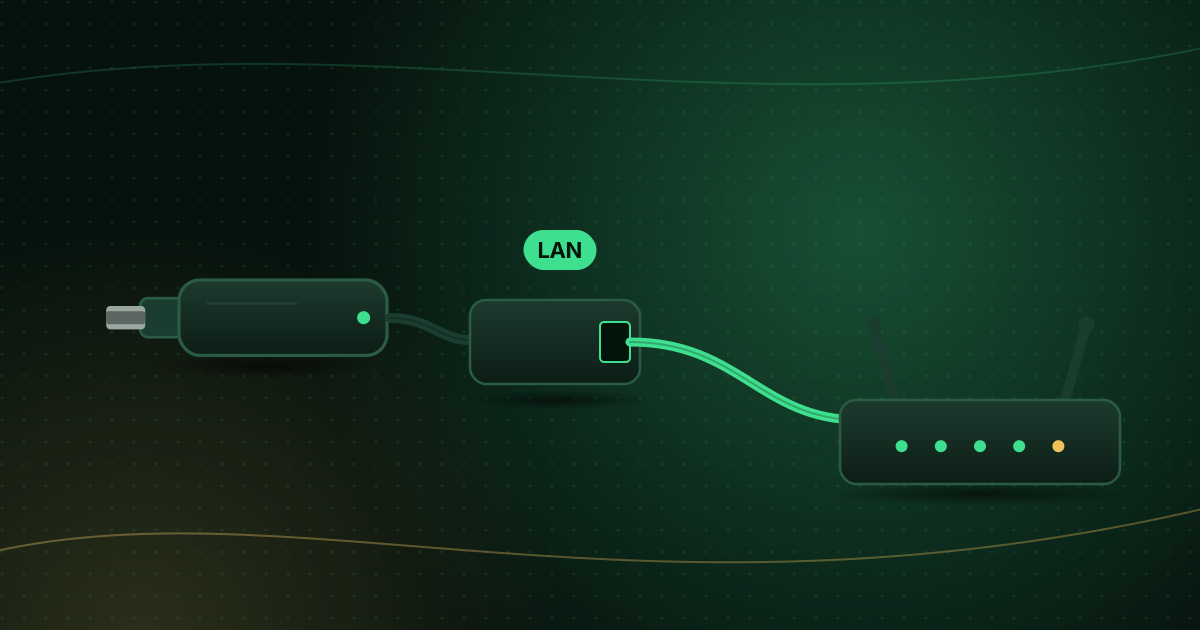
- Use a standard Ethernet cable (Cat 5e or better) between the router and the TV or box.
- On the device, open the network settings and choose Wired or Ethernet if it does not switch automatically.
- For streaming sticks without a port, use an adapter designed for the device; see Ethernet adapters for Fire TV Stick.
Long cable runs can be neatly routed along skirting boards with flat cables or clips.
When you cannot run a cable
| Option | How it works | Good to know |
|---|---|---|
| Powerline adapters | Send network data over your home’s electrical wiring | Performance depends on wiring; plug directly into wall sockets, not extension strips |
| Mesh Wi-Fi | Several units cover the home with one network | A node near the TV improves signal; a wired link between nodes is best |
| Wi-Fi extender | Repeats the signal | Can halve throughput; mesh is usually better |
| MoCA adapters | Use existing coaxial TV cabling (common in North America) | Needs coax outlets in both rooms |
Testing whether the connection is the problem
- Run a speed test on the TV or streaming device, not on your phone.
- Run it at the time you usually watch, and repeat it a few times.
- Compare Wi-Fi and wired results if you can, even with a long temporary cable.
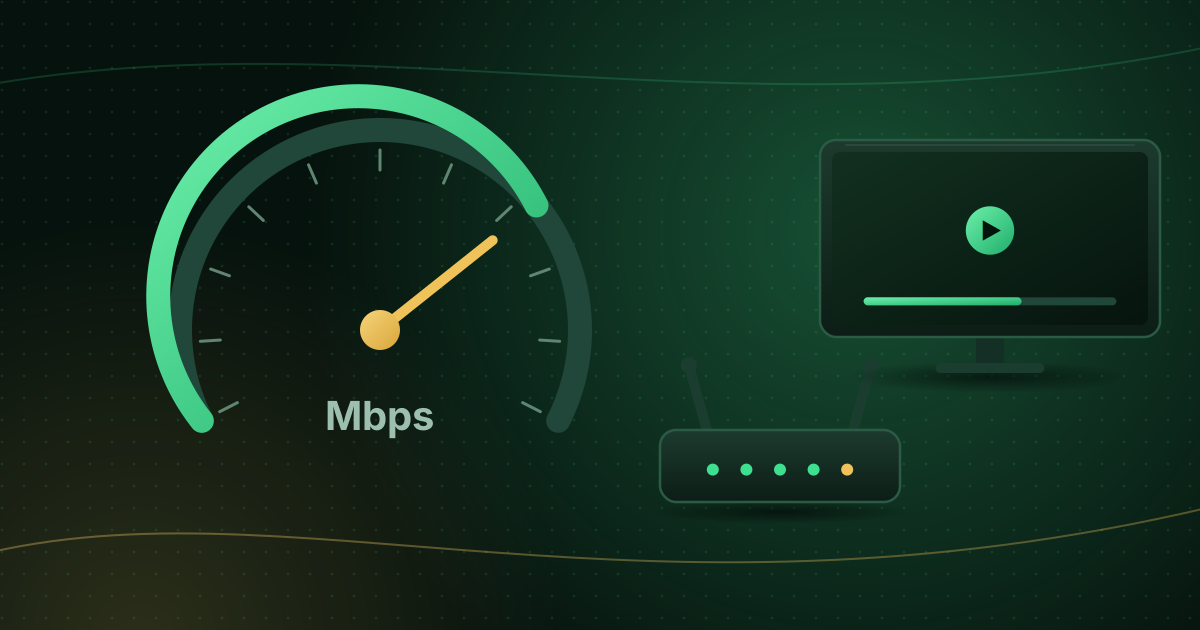
The FCC’s broadband guide lists around 5–8 Mbps for HD streaming and 25 Mbps for 4K; live streams benefit from extra headroom on top. Our internet speed for streaming guide covers household planning and testing in detail.
Frequently asked questions
Does the Ethernet cable category matter?
For streaming, Cat 5e or newer is plenty; it supports gigabit speeds over typical home distances. Damaged or very old cables matter more than the exact category.
Are powerline adapters as good as Ethernet?
They are usually more stable than weak Wi-Fi, but rarely as fast or consistent as a direct cable, because they depend on your home’s electrical wiring. Plug them directly into wall sockets.
Should my router use a wired connection to mesh nodes?
If you can, yes. A wired link between mesh units (wired backhaul) leaves the Wi-Fi capacity for your devices and improves speed near the TV.
Summary
For a TV or box that never moves, Ethernet is the most reliable connection for live streaming. Wi-Fi is perfectly usable when the signal is strong and on 5 GHz. If a cable is not practical, powerline, mesh or MoCA adapters get you most of the benefit. If buffering continues on a wired connection, the cause lies elsewhere; work through how to stop buffering on live streams.
Sources and further reading
- FCC: Broadband Speed Guide
- TP-Link: 2.4 GHz vs 5 GHz Wi-Fi, what’s the difference?
- Wikipedia: Mesh networking
Menus and app availability change with software updates. If a step looks different on your device, check the device or app maker’s help page linked above.