IPTV stands for Internet Protocol Television: TV delivered over an internet connection instead of through an aerial, a satellite dish or a cable TV network. If you have ever watched a live channel in an app, you have used a form of IPTV. This guide explains how it works, the different types, what you need to watch it and the risks worth knowing about.
How traditional TV and IPTV differ
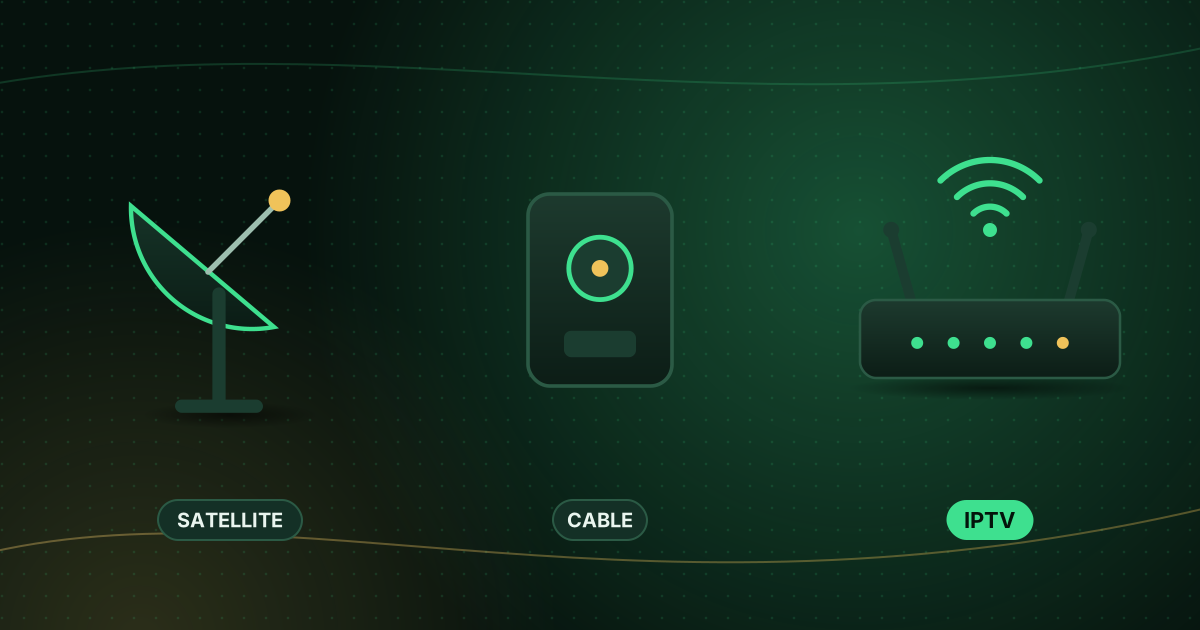
- Terrestrial TV is broadcast over the air and picked up with an aerial.
- Satellite TV is beamed from satellites to a dish.
- Cable TV travels through a dedicated cable network into your home.
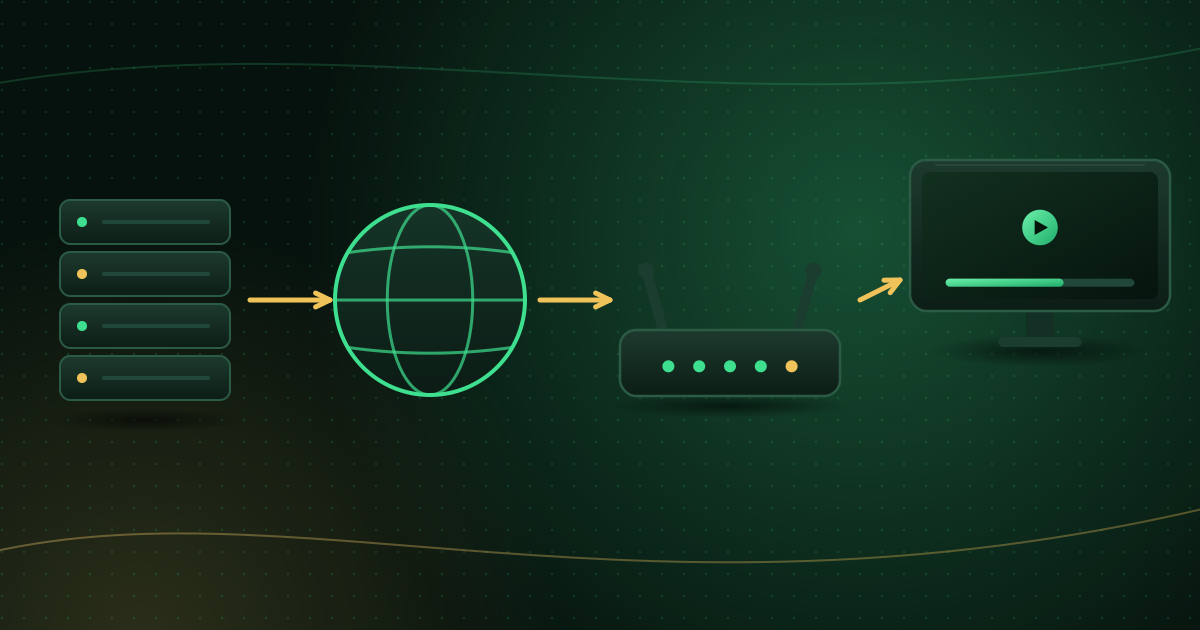
- IPTV travels over the same internet connection you use for everything else, as data packets, and is played by an app or set-top box.
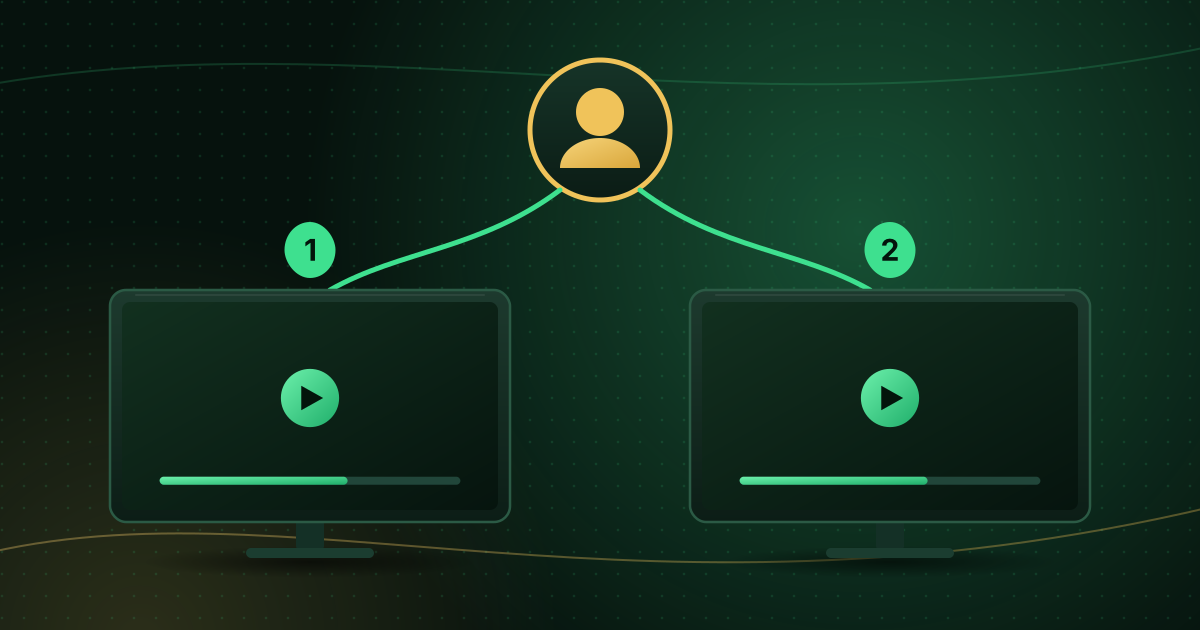
The key difference is delivery. With broadcast TV, every channel is sent to everyone all the time and your receiver tunes in. With IPTV, your device requests the channel you choose, and the server sends that stream to you.
How IPTV works, step by step
- The provider prepares the video: it is encoded into a compressed digital format such as H.264 or HEVC.
- It is packaged for delivery: often as a continuous transport stream or in short segments listed in a playlist, as with HLS (HTTP Live Streaming), one of the most widely used streaming formats.
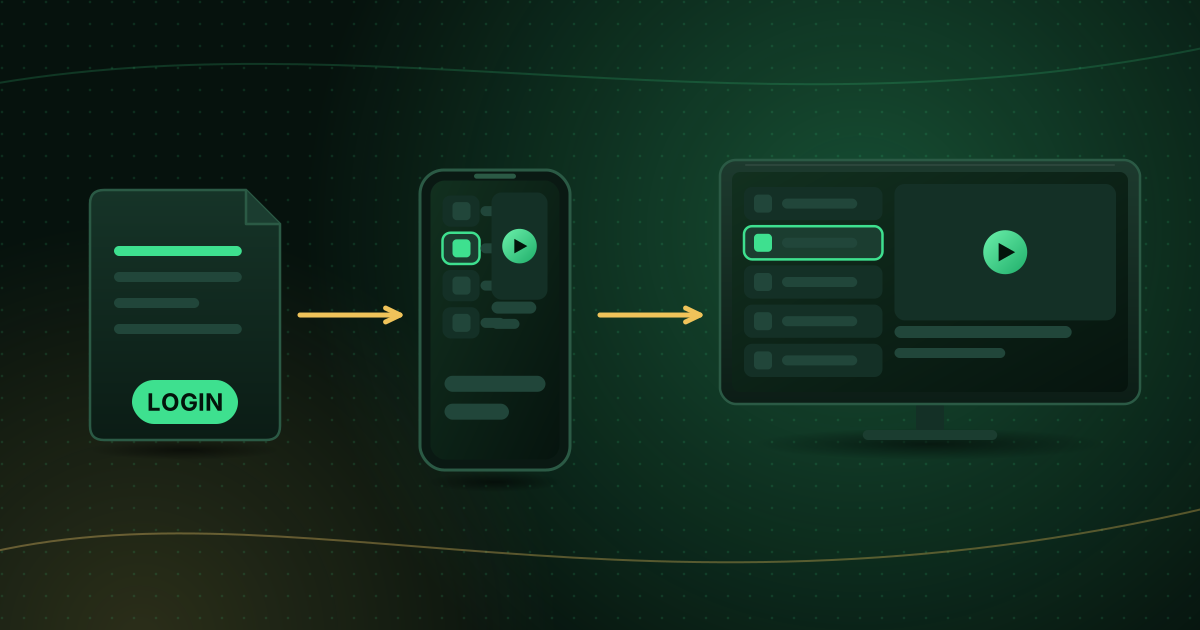
- You choose a channel in a player app.
- Your device requests the stream, and the server sends it over the internet.
- The app decodes and plays it, often with a TV guide alongside.
The main types of IPTV content
| Type | What it means |
|---|---|
| Live TV | Channels as they are broadcast, in real time |
| Video on demand (VOD) | Films and series you can start whenever you like |
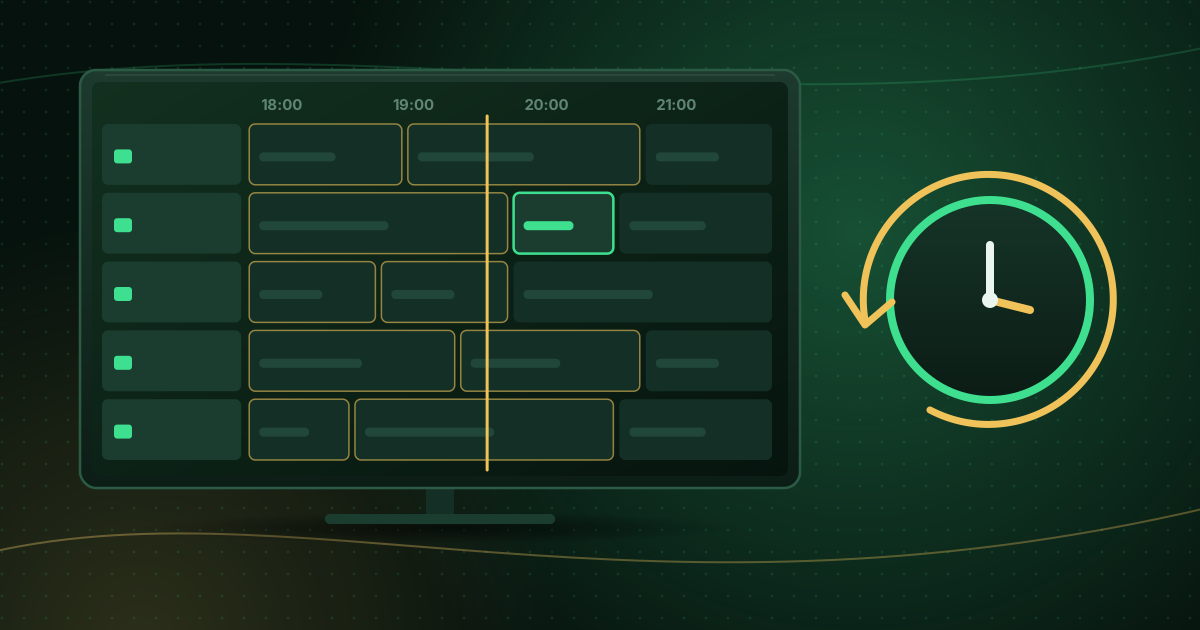
| Catch-up / timeshift | Recently aired programmes you can watch afterwards; see what is catch-up TV? |
Who uses IPTV?
Many legitimate services use internet delivery for TV: broadband providers’ TV packages, broadcasters’ own apps and independent subscription services. The same technology is also misused by services that resell channels without permission. The technology is not the issue; licensing is. Our guide to whether IPTV is legal explains how to tell the difference.
What you need to watch IPTV
- A compatible device: a smart TV, streaming stick or box, phone, tablet or computer. See our compatible devices overview.
- A player app: either the provider’s own app or a general IPTV player. A player is separate from the service and contains no channels by itself; see what is an IPTV player?.
- Login details from a provider: typically an M3U playlist link or an Xtream Codes login.
- A stable internet connection: Netflix, for example, recommends 5 Mbps for 1080p and 15 Mbps for 4K; live TV benefits from extra headroom. See the internet speed for streaming guide.
Advantages of IPTV
- No dish or aerial and often no installation visit.
- Watch on many devices, at home and on the go, within your plan’s limits.
- Interactive features: guides, search, favourites, catch-up and on-demand libraries.
- Flexible plans that are often easier to start and stop than long contracts.
Limitations
- Depends on your internet connection: a slow or unstable connection causes buffering, especially on live channels; see how to stop buffering on live streams.
- Uses data: HD and 4K streams use several gigabytes an hour.
- Quality varies by provider: bitrates, codecs and reliability differ.
- Unlicensed services carry risk: malware, sudden shutdowns and lost payments.
IPTV vs streaming apps
There is no sharp line. Big subscription apps also deliver video over the internet, but “IPTV” is usually used for services that offer linear live channels, often viewed through a general-purpose player using M3U or Xtream Codes logins. For a comparison with traditional TV, read IPTV vs cable vs satellite.
Frequently asked questions
Do I need a smart TV to watch IPTV?
No. Any TV with an HDMI port works with a streaming stick or box, and you can also watch on phones, tablets and computers.
Is IPTV the same as Netflix?
Both deliver video over the internet. Subscription apps like Netflix focus mainly on on-demand libraries, while “IPTV” usually refers to services offering live channels, often through a general-purpose player.
Do I need fast internet for IPTV?
You need a stable connection with enough speed for the quality you want, plus headroom for other users. Netflix’s recommendations, for example, are 5 Mbps for 1080p and 15 Mbps for 4K; live TV benefits from extra margin.
Summary
IPTV is TV delivered over the internet. You need a compatible device, a player app, login details from a provider and a stable connection. The technology is legitimate and widely used; what matters is choosing a provider that is licensed for what it streams and setting up your connection so live channels play smoothly. To dive into the terminology, see our streaming glossary.
Sources and further reading
Menus, apps and settings change with software updates. If something looks different on your device, check the official help pages from your device maker or app developer.