VPN apps are heavily advertised to streamers, with promises of privacy, security and smoother playback. Some of that is true, some is exaggerated, and a VPN can just as easily cause buffering as cure it. This guide explains what a VPN actually does, how it affects streaming performance, how to choose one responsibly and when to turn it off.
What a VPN does
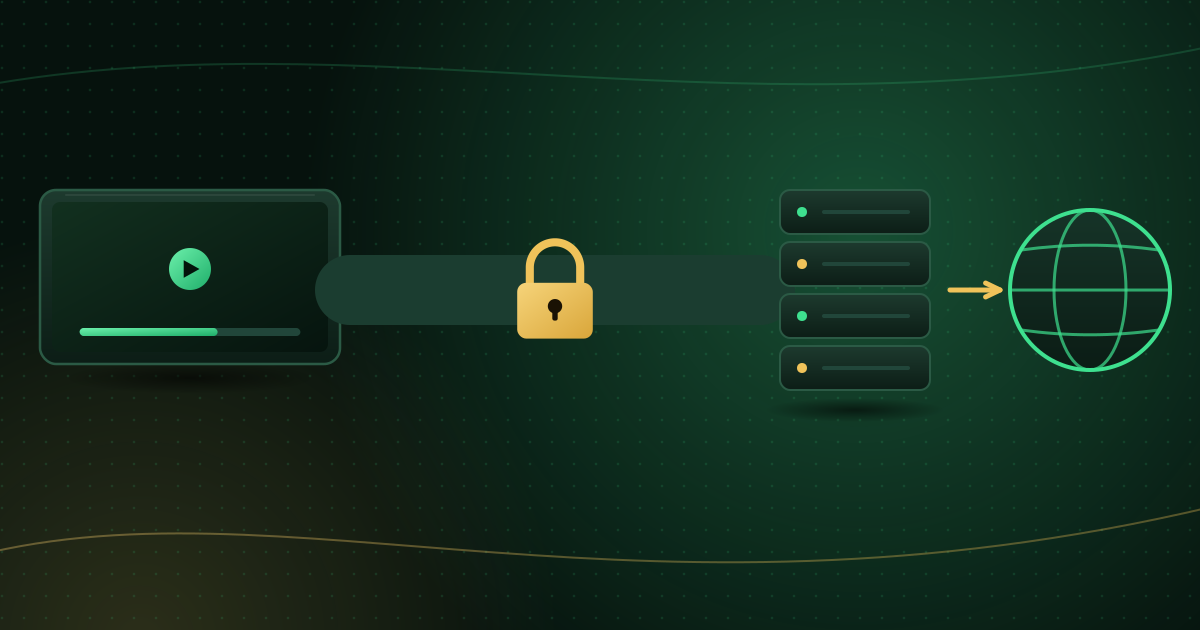
A virtual private network creates an encrypted tunnel between your device and the VPN provider’s server. Websites and streaming servers then see the VPN server’s address rather than yours.
It does:
- Hide the content of your traffic from your internet provider and from anyone on the same network, which is useful on public Wi-Fi.
- Hide your home IP address from the servers you connect to.
It does not:
- Make you anonymous. You are shifting trust from your internet provider to the VPN company, which can see your traffic’s destination.
- Protect you from malware or unsafe apps; see how to spot unsafe streaming apps.
- Make an unlicensed service legal. A VPN changes how traffic travels, not who holds the rights; see is IPTV legal?.
- Stop phishing; see how to protect your streaming account.
How a VPN affects streaming speed
A VPN adds work and distance to every connection:
- Encryption overhead: your device encrypts and decrypts all traffic, which can strain low-powered streaming sticks.
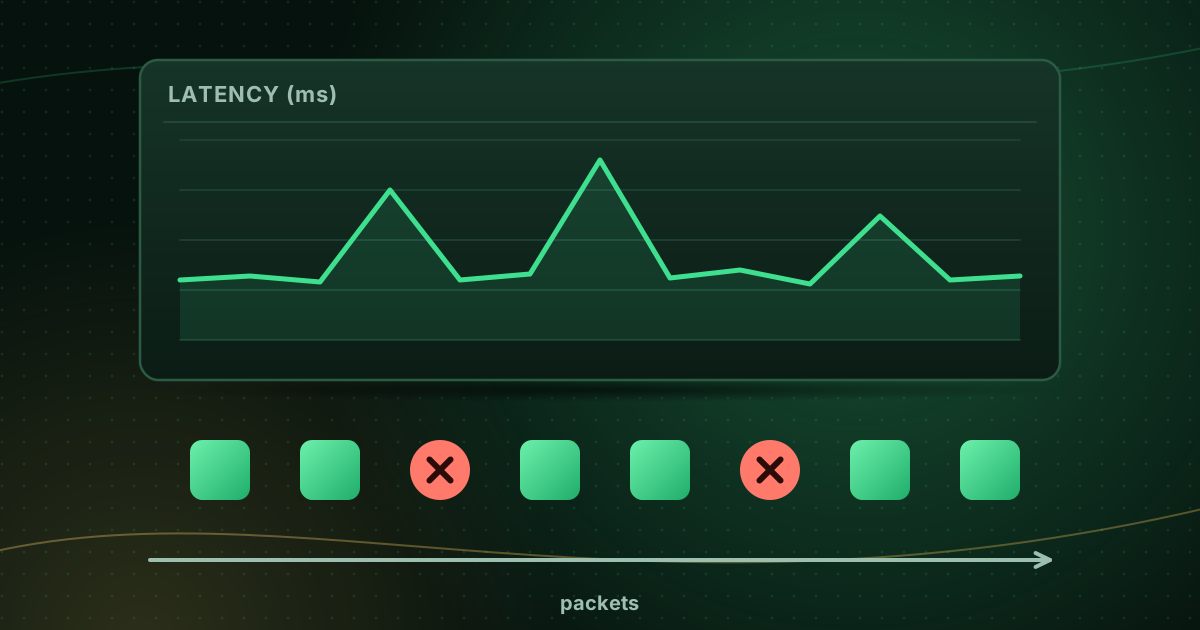
- Extra distance: traffic goes to the VPN server first. A distant or overloaded server adds latency and jitter.
- Shared capacity: popular servers are shared by many users at peak times.
For live streams, which have only a small buffer, extra latency and jitter matter. Our guide to jitter and packet loss explains why.
When a VPN can improve streaming
In some cases a VPN helps, for example if your internet provider slows down a particular type of traffic or has a poor route to a server. If your stream improves noticeably with a VPN on, that is a useful clue to share with your provider. It is the exception, not the rule.
How to test whether your VPN causes buffering
- Run a speed test that reports latency and jitter (Cloudflare’s speed test does) with the VPN on.
- Repeat with the VPN off.
- Watch the same channel both ways for ten minutes at the same time of day.
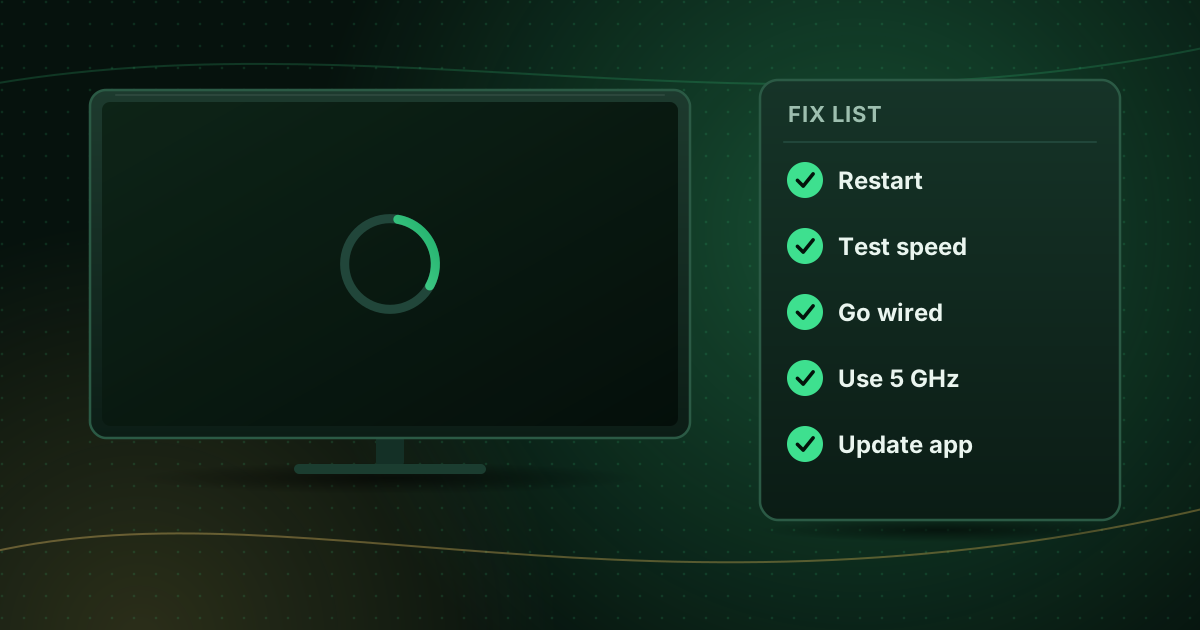
If buffering disappears with the VPN off, try a closer VPN server, a different protocol in the VPN app (many offer WireGuard-based options, which are typically lighter), or leave the VPN off for streaming. General buffering fixes are in how to stop buffering on live streams.
Choosing a VPN responsibly
If you decide to use one:
- Install it from the official app store for your device.
- Read the privacy policy: what does it log, how long does it keep data, and in which country is it based?
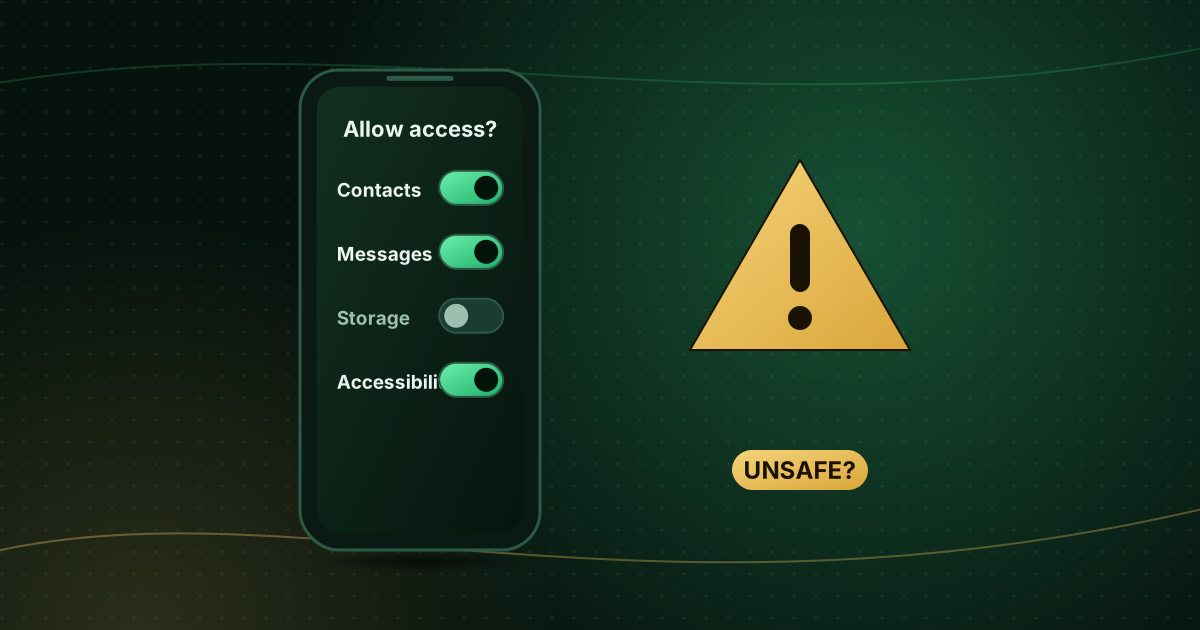
- Check app permissions: a VPN should not need your contacts or messages.
- Be wary of free VPNs funded by advertising or data collection.
- Look for independent security audits, which some providers publish.
Practical tips for VPNs on TVs and sticks
- Split tunnelling: many VPN apps let you exclude specific apps. Excluding your streaming player avoids the speed penalty while keeping other apps protected.
- Router-level VPNs protect every device but slow the whole household and can break local features such as casting.
- Casting and local devices: a VPN on your phone can stop it finding your TV; see how to cast from your phone to your TV.
- Logins: some streaming servers block VPN addresses or flag logins from many locations. If you see login errors only with the VPN on, that is the reason.
- Terms of service: some services restrict VPN use in their terms; check yours.
Do you need a VPN for streaming at home?
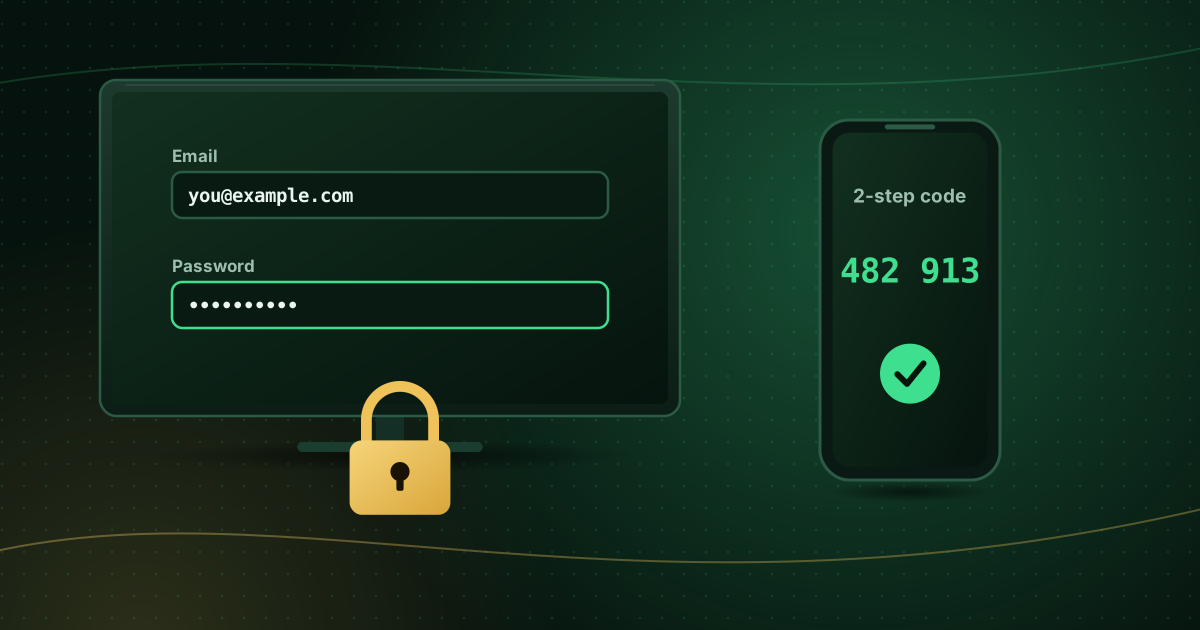
For most people streaming at home from a provider they trust, a VPN is optional: your home network is not shared with strangers, and the main risks (unsafe apps, phishing, reused passwords) are not solved by a VPN. It is most useful on public Wi-Fi, where it protects you from others on the same network. The NCSC’s guidance for staying secure online focuses on strong passwords, 2-step verification and keeping devices updated as the most effective steps.
Frequently asked questions
Should I use a VPN on my Fire Stick?
Only if you have a specific reason, such as privacy concerns on a shared network. At home, a VPN on a streaming stick often adds delay. If you use one, choose a nearby server and test whether buffering increases.
Why does my stream buffer with the VPN on?
The VPN adds encryption work and routes traffic through an extra server, which adds latency and jitter. Try a closer server, a lighter protocol, split tunnelling, or switching the VPN off for streaming.
Is a free VPN safe?
Some are, but many free VPNs fund themselves through advertising or data collection. Read the privacy policy, check permissions and prefer providers that publish independent audits.
Summary
A VPN encrypts traffic and hides your IP address, which is valuable on public Wi-Fi, but it does not make you anonymous or protect you from unsafe apps, and it often adds latency that live streams dislike. Test with it on and off, use a nearby server or split tunnelling if you keep it, and choose a provider with a clear privacy policy.
Sources and further reading
- NCSC: Top tips for staying secure online
- Cloudflare Blog: How does Cloudflare’s Speed Test really work?
Menus, apps and settings change with software updates. If something looks different on your device, check the official help pages from your device maker or app developer.