Streaming accounts are attractive to scammers: they are easy to resell, and the login often reuses a password from somewhere more valuable. For IPTV services there is an extra risk, because a shared login can use up your plan’s connections and lock you out. This guide covers strong passwords, 2-step verification, safe sharing, phishing and what to do if someone else is using your account.
Use a strong, unique password
The UK’s National Cyber Security Centre (NCSC) recommends creating passwords from three random words, which tends to produce passwords that are long, hard to guess and easy to remember, for example PlantCoffeeRiver (do not use this one). Two rules matter most:
- Unique: never reuse your streaming password on email, banking or shopping sites. If one site is breached, reused passwords let attackers into the others.
- Stored safely: a password manager, including the one built into your phone or browser, removes the need to remember them all.
Some IPTV providers assign the username and password for you. If yours does, ask whether you can change the password and keep it private.
Turn on 2-step verification where it is offered
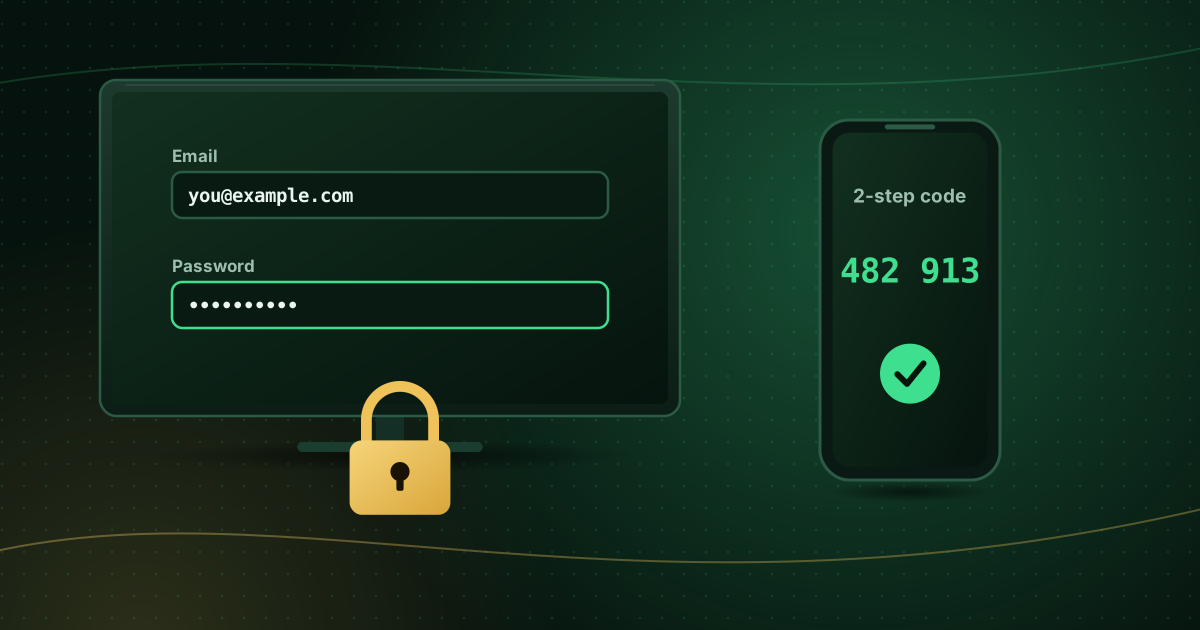
2-step verification (2SV), also called two-factor authentication, adds a second check, usually a code sent by text message or generated by an app. The NCSC explains that it makes it much harder for criminals to access your accounts even if they know your password, and recommends turning it on for important accounts, especially email.
Your email account is the most important to protect: whoever controls it can reset the passwords of everything else.
Share carefully
- Share your login only with people in your household and within your plan’s limits. On IPTV services, every device watching at the same time uses a connection; exceeding the limit can cause login errors or account locks. See simultaneous streams explained.
- Never post your playlist URL or login screenshot online. Playlist links usually contain your username and password.
- If you stop sharing with someone, change the password.
Recognise phishing messages
Phishing messages pretend to be from a service you use and try to get you to enter your login or payment details. The NCSC’s phishing guidance highlights common signs:
- Urgency: “Your account will be suspended today.”
- Payment problems: “Update your card to avoid losing access.”
- Links to look-alike websites with slightly misspelled addresses.
- Requests for passwords or one-time codes. Genuine support teams do not ask for your password or 2SV codes.
- Messages from personal numbers on messaging apps claiming to be official support.
If in doubt, do not click. Open the service’s official website or app yourself and check your account there.
Signs someone else is using your account
- “Too many connections” or login errors when nobody else in your home is watching.
- Unfamiliar devices or locations in your account history (if your service shows them).
- Changed settings, profiles or favourites.
- Password reset emails you did not request.
What to do if your account is compromised
- Change the password immediately, and on any other account where you used the same one.
- Sign out of all devices if the service offers it.
- Turn on 2SV if available.
- Contact the provider through its official contact page so it can reset the login or check activity.
- Check your email account security too, since attackers often start there.
Keep your devices secure as well
A secure password does not help if an unsafe app on your TV is reading it. Install apps only from official stores and remove anything you do not recognise; see how to spot unsafe streaming apps. The NCSC’s top tips for staying secure online also recommend keeping devices and apps updated.
Frequently asked questions
Should I change my password regularly?
Security agencies such as the NCSC no longer recommend changing passwords on a fixed schedule, because it tends to lead to weaker passwords. Use a strong, unique password and change it straight away if you think it has been exposed.
Is it safe to use a password manager?
For most people, yes. A reputable password manager, including those built into phones and browsers, makes unique passwords practical. Protect it with a strong main password and 2-step verification.
Why does my provider’s login use a username and password I did not choose?
Some IPTV services generate credentials for you. Keep them private, ask whether you can change the password, and never share screenshots of your login settings.
Summary
Use a unique, strong password, protect your email with 2-step verification, share only within your plan’s limits and ignore messages that ask for your login. If something looks wrong, change the password and contact your provider through its official channels. For payment safety, see how to pay for a streaming subscription safely, and if a login suddenly fails, check authorization failed errors.
Sources and further reading
Menus, apps and settings change with software updates. If something looks different on your device, check the official help pages from your device maker or app developer.