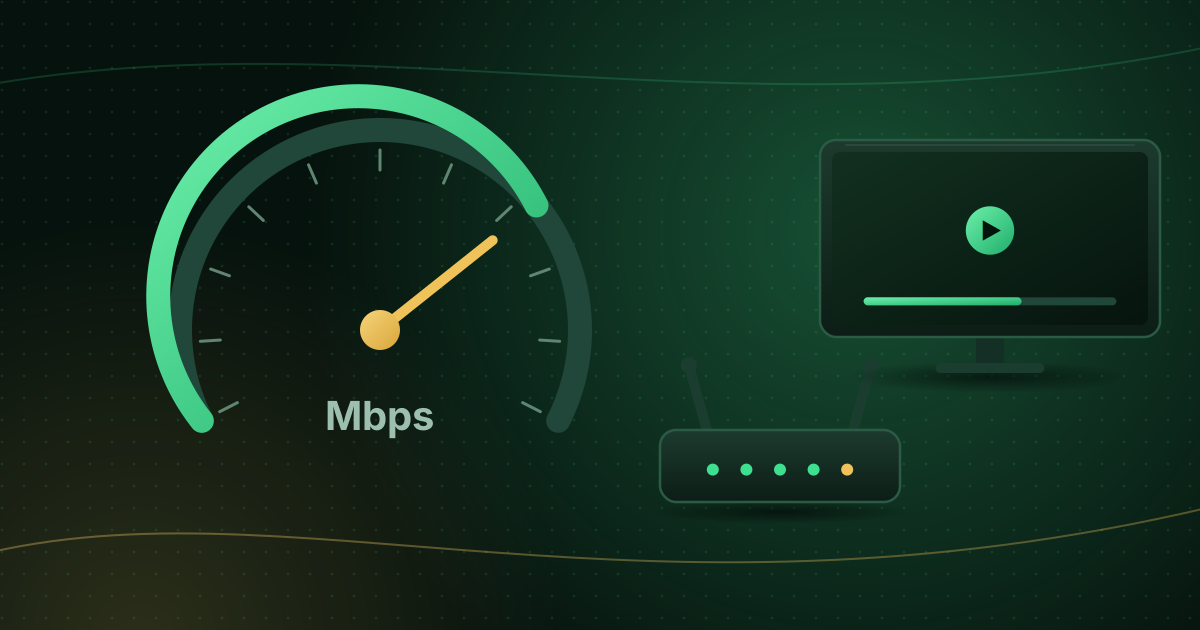
Bitrate is the amount of data a video stream uses per second, usually measured in megabits per second (Mbps) or kilobits per second (kbps). It is one of the biggest factors in how sharp a stream looks, how much internet speed it needs and how much data it uses. This guide explains bitrate in plain terms and how it relates to resolution, codecs and your connection.
Bitrate in one sentence
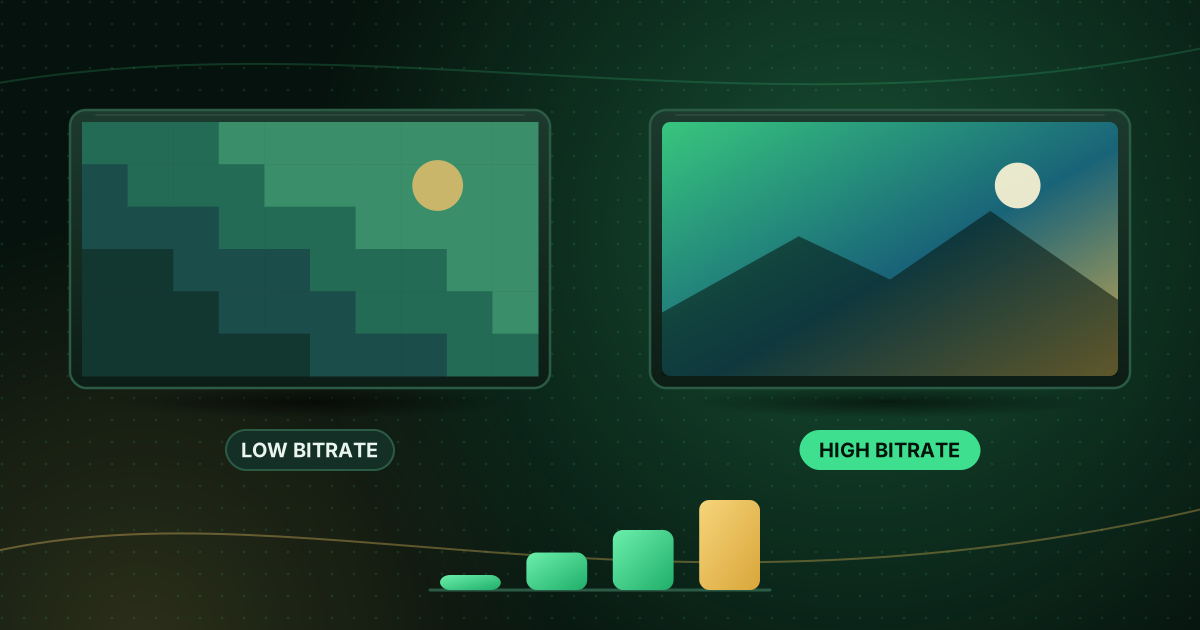
The higher the bitrate, the more information each second of video contains, so the picture can show more detail and fewer compression artefacts, as long as your connection can deliver it.
Bits, bytes and Mbps
- Internet speeds and bitrates are measured in bits per second (lower-case b: Mbps).
- File sizes and data allowances are measured in bytes (upper-case B: MB, GB).
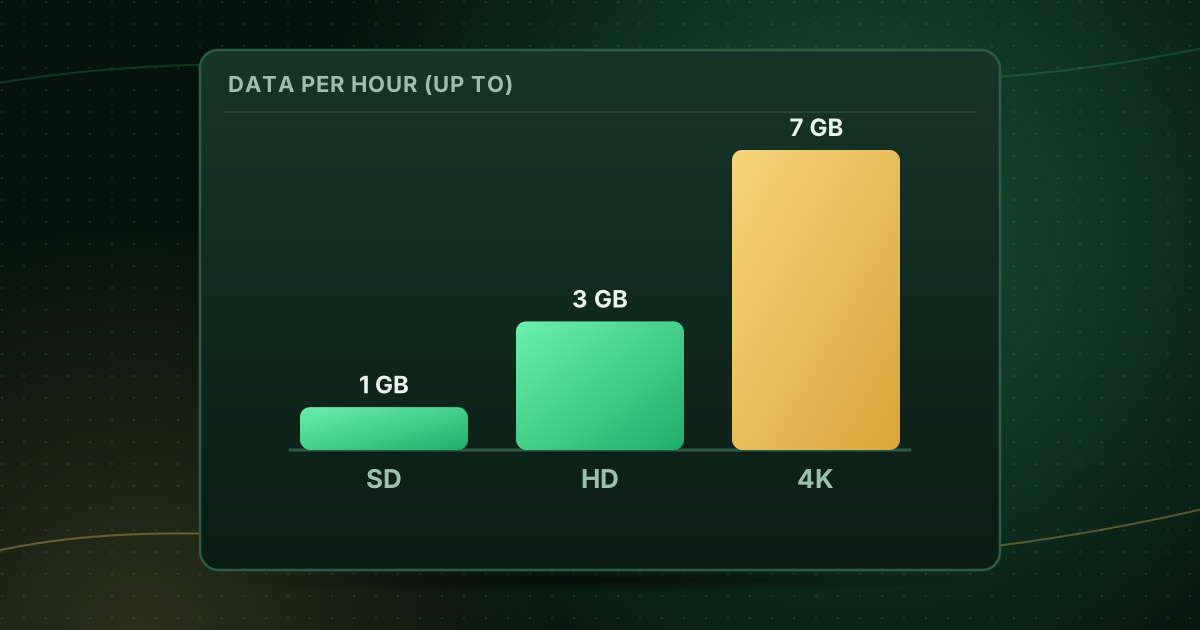
- One byte is eight bits. A stream at 8 Mbps uses about 1 MB per second, which is roughly 3.6 GB per hour.
Our guide to how much data streaming uses turns this into monthly totals.
Bitrate vs resolution
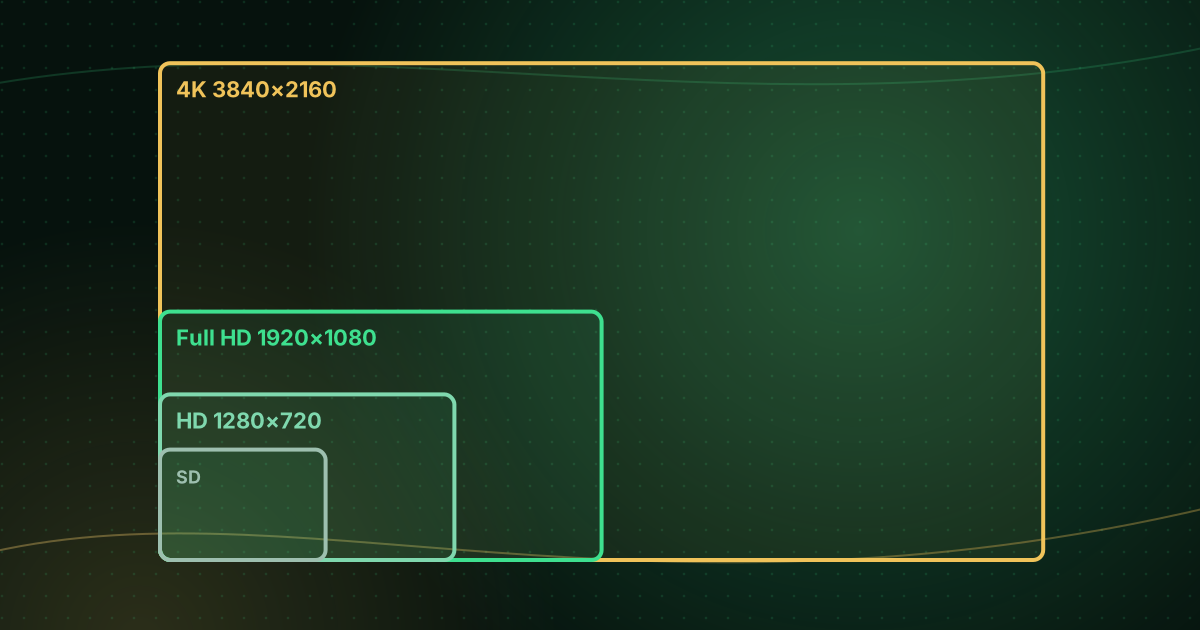
Resolution is the number of pixels in each frame (for example 1920 × 1080 for Full HD). Bitrate is how much data is used to describe those pixels each second.
- A high resolution at a low bitrate can look worse than a lower resolution at a generous bitrate, with blocky shadows, smeared motion and “banding” in skies.
- Fast-moving content such as sport needs more bitrate than slow scenes to look equally clean.
That is why two “1080p” streams can look very different. Read SD vs HD vs Full HD vs 4K for resolution basics.
Typical bitrates
There is no single correct bitrate, but published recommendations give a sense of scale. YouTube’s recommended upload settings, for example, suggest about 8 Mbps for 1080p and 35–45 Mbps for 4K at standard frame rates. Streaming services then compress further for delivery. On the viewing side, Netflix recommends connections of about 5 Mbps for 1080p and 15 Mbps for 4K.
| Quality | Netflix recommends a connection of… | The FCC broadband guide lists… |
|---|---|---|
| SD | — | 3–4 Mbps |
| 720p HD | 3 Mbps or more | 5–8 Mbps (HD) |
| 1080p Full HD | 5 Mbps or more | 5–8 Mbps (HD) |
| 4K Ultra HD | 15 Mbps or more | 25 Mbps |
These are connection recommendations, which include headroom; the stream’s own bitrate is lower and depends on the codec, frame rate and provider.
How codecs change the picture
A codec is the method used to compress video. Newer codecs such as HEVC (H.265) can deliver similar quality to H.264 (AVC) at a lower bitrate, which helps 4K fit through ordinary connections. The catch is that your device must decode the newer codec efficiently, ideally in hardware; see hardware vs software decoding.
Constant vs variable bitrate
- Constant bitrate (CBR) keeps the data rate steady, which is predictable for live broadcasting.
- Variable bitrate (VBR) spends more data on complex scenes and less on simple ones, improving efficiency.
Live IPTV streams often use near-constant bitrates, so your connection must sustain that rate continuously, not just on average.
Adaptive bitrate streaming
Many streams, especially those delivered over HLS, are encoded at several bitrates. The player measures your connection and switches between versions, dropping to a lower quality instead of stopping. If your picture suddenly turns soft for a few seconds, that is adaptive streaming at work. Our explainer on M3U vs M3U8 describes the master playlists behind it.
What bitrate means for your connection
Your internet speed must exceed the stream’s bitrate with room to spare, because:
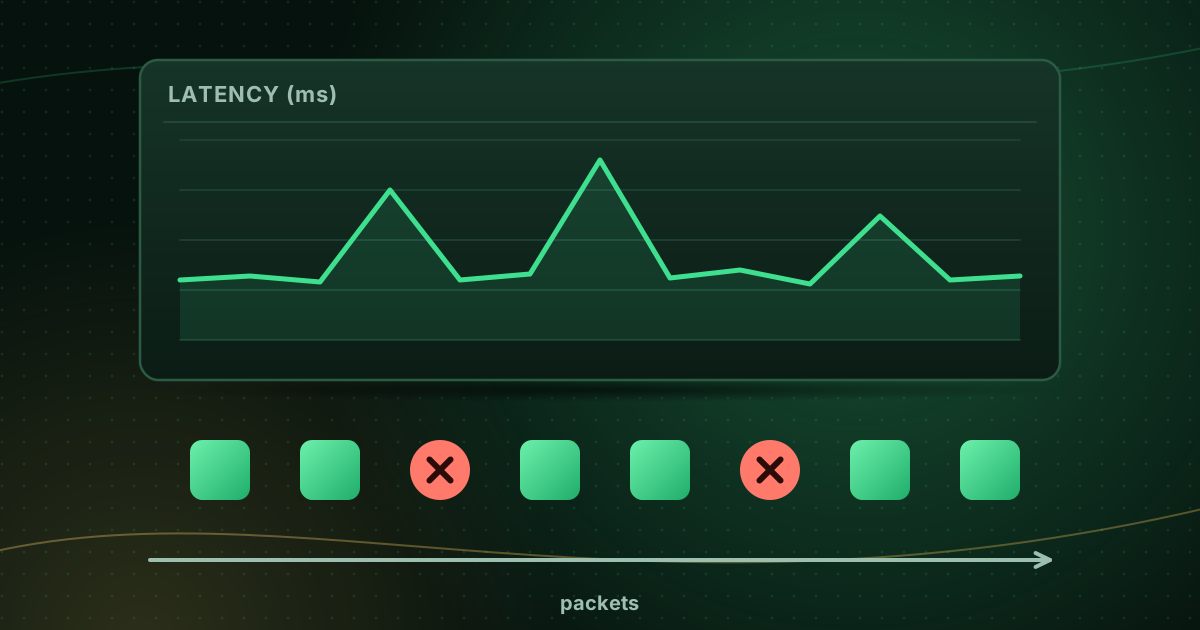
- Bitrate fluctuates.
- Other devices share the connection.
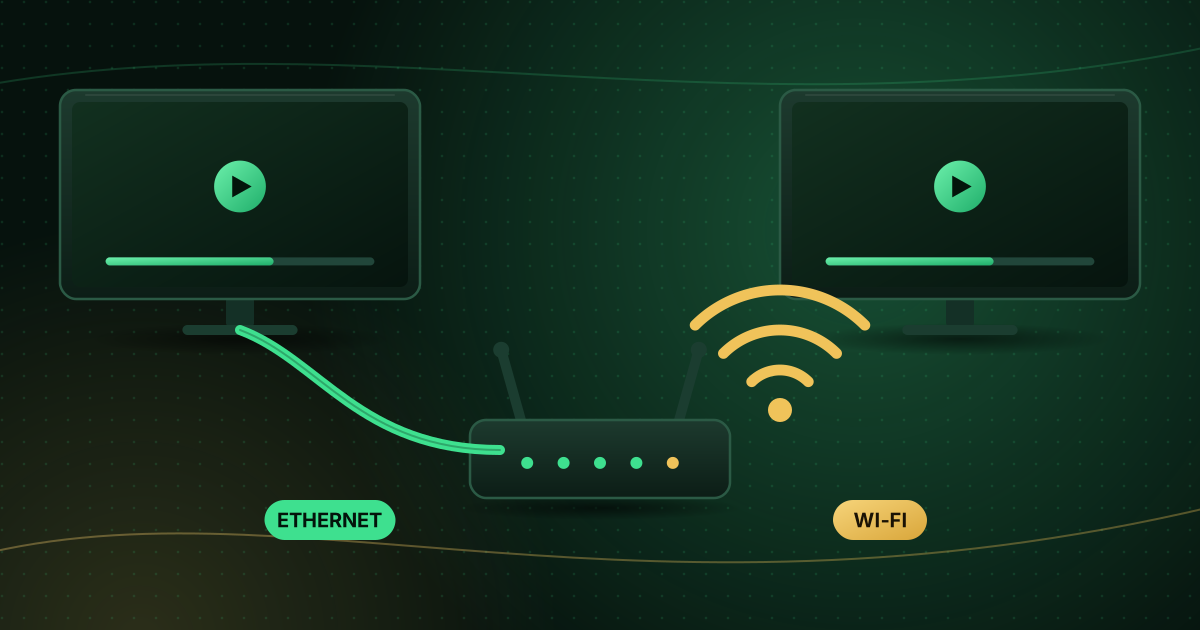
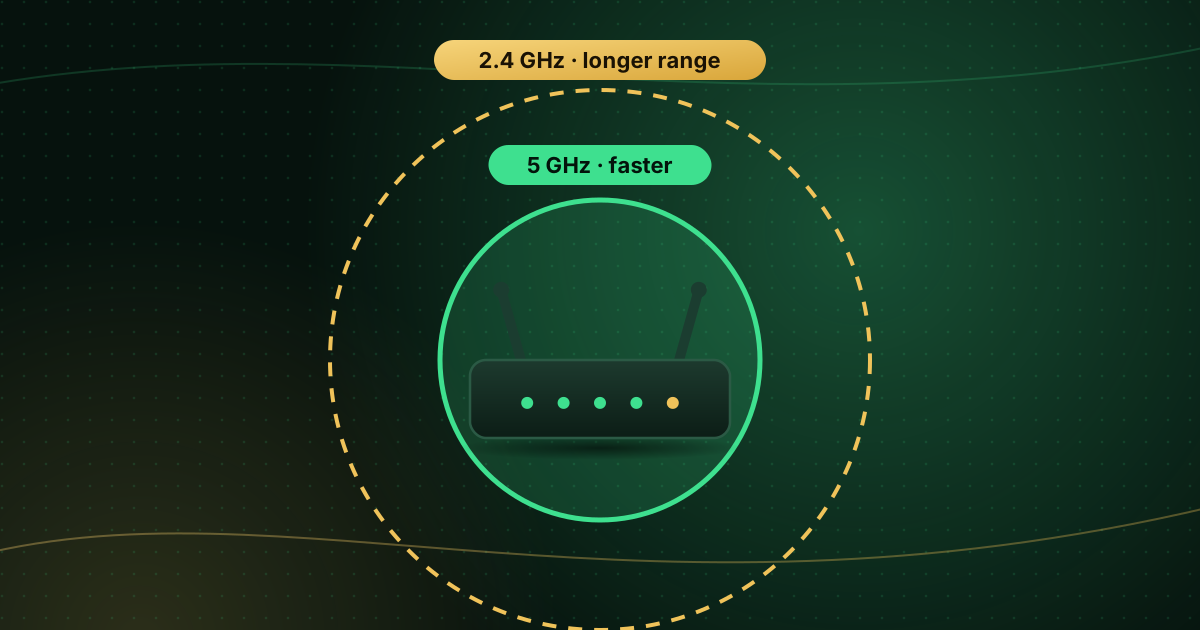
- Wi-Fi rarely delivers the full speed of your plan.
A sensible rule is to have at least double the stream’s bitrate available, plus whatever else your household uses at the same time. Our internet speed for streaming guide covers this in detail.
Signs the bitrate is too low (or your connection too slow)
- Blocky or smeared detail in dark scenes and fast motion.
- The picture repeatedly drops to a softer version and back.
- Buffering on high-quality channels while lower-quality ones play fine.
Frequently asked questions
Why does my stream look blocky?
Blocks, smearing and banding are compression artefacts that appear when the bitrate is too low for the content, or when adaptive streaming has dropped to a lower-quality version because your connection is struggling.
What bitrate is 1080p?
There is no single figure. YouTube recommends uploading 1080p at about 8 Mbps at standard frame rates, and streaming services deliver it at lower rates using efficient compression. On the viewing side, Netflix recommends a 5 Mbps connection for 1080p.
Does a higher bitrate always mean better quality?
Up to a point. Beyond the level needed for clean detail, more bitrate adds little visible improvement but still uses more data and bandwidth.
Summary
Bitrate is data per second. Higher bitrates look better but need faster, steadier connections and use more data. Resolution sets the number of pixels; bitrate decides how well they are described. Leave plenty of headroom above the stream’s bitrate, and remember that efficient codecs such as HEVC let you get high quality at lower bitrates on compatible devices.
Sources and further reading
- Wikipedia: Bit rate
- YouTube Help: Recommended upload encoding settings
- Netflix Help Center: Internet connection speed recommendations
- FCC: Broadband Speed Guide
Menus, apps and settings change with software updates. If something looks different on your device, check the official help pages from your device maker or app developer.