Streaming plans usually limit how many devices can watch at the same time. Services call this “screens”, “streams”, “connections” or “devices”. Understanding what counts towards the limit avoids “too many connections” errors and helps you choose between a one-device and a two-device plan.
What a simultaneous stream is
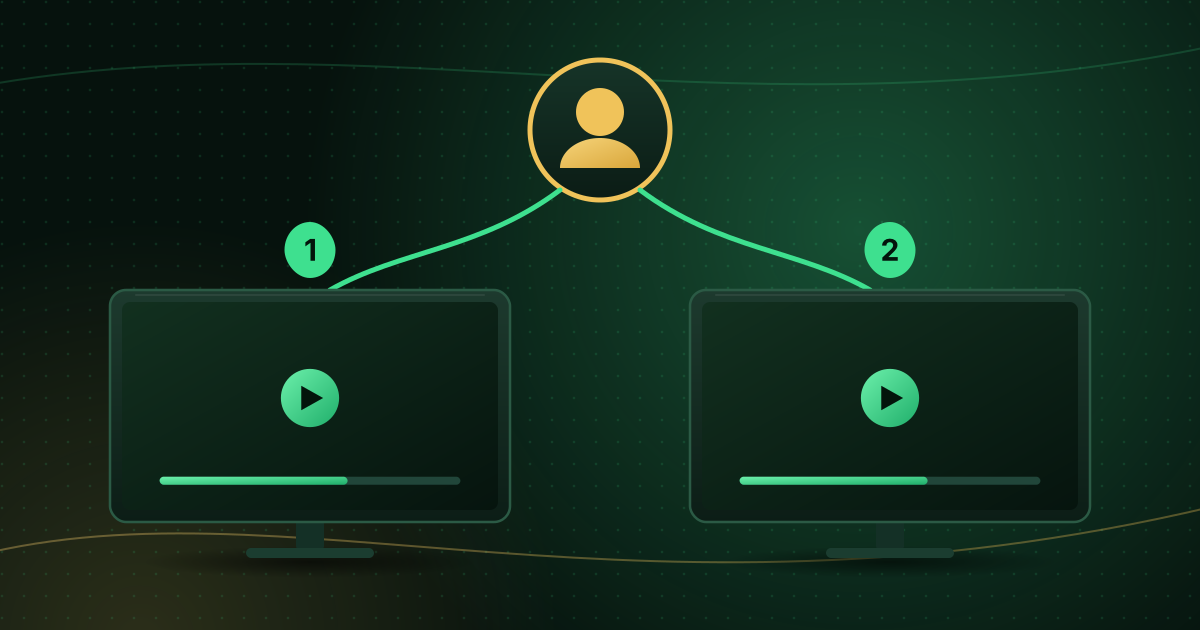
A simultaneous stream (or connection) is one device actively playing video from your account. If your plan allows one connection, one device can watch at a time. If it allows two, two devices can watch different (or the same) channels at once.
The limit is about concurrent playback, not installation. You can usually install the player and sign in on several devices, as long as only the allowed number are playing at once. Check your provider’s terms, as some services also limit the number of registered devices.
What counts as a stream
| Situation | Usually counts? |
|---|---|
| A TV playing a channel | Yes |
| A phone playing a channel | Yes |
| Two apps open on the same device, both playing | Often yes, as two streams |
| A paused stream | Often yes, until the app closes the connection |
| An app left open in the background on another device | Sometimes, until it disconnects |
| Casting from a phone to a TV | Usually one stream, but some setups count both the phone and TV |
| Just browsing the guide without playing | Usually no |
Because “paused” and “background” behaviour varies between players and providers, the safest habit is to stop playback and close the app on devices you are not using.
Why limits exist
- Licensing: content rights are often sold per household or per number of screens.
- Fair use: limits prevent one account from being shared widely.
- Server capacity: each stream uses provider bandwidth.
The “too many connections” error
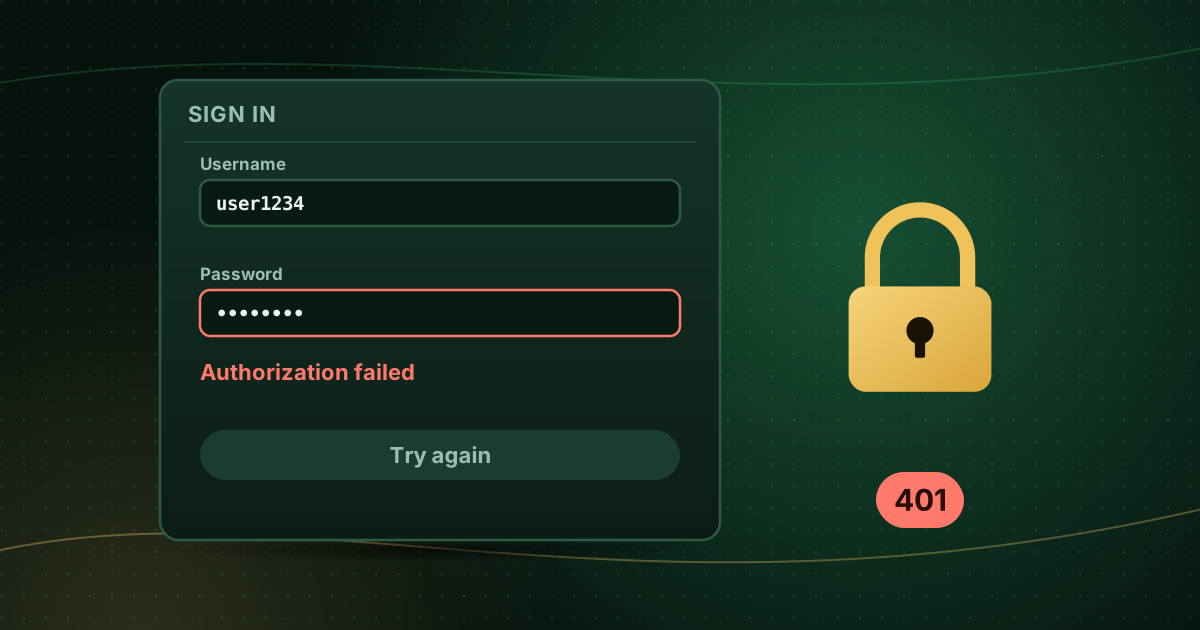
When the limit is reached, the next device usually gets an error such as “maximum connections reached”, “authorization failed” or an HTTP 403 (forbidden). According to MDN’s definition, a 403 means the server understood the request but refuses to authorise it.
To fix it:
- Stop playback on every other device.
- Close the player app fully (not just the TV) on those devices.
- Wait a few minutes; some servers take time to release a connection.
- Try again.
If the error appears when nobody else is watching, someone else may be using your login. See how to protect your streaming account, and for other login errors, authorization failed errors.
One device or two? How to choose
| Your household | Typical choice |
|---|---|
| One main TV, occasional phone viewing (not at the same time) | One-device plan |
| Two TVs used at the same time, or a TV plus a phone during sports | Two-device plan |
| Several people watching different things every evening | A plan with enough connections for peak time |
Think about peak moments rather than average use: the evening when one person watches sport in the living room while another watches something else in the bedroom.
Our plans page shows the one-device and two-device options with every price. If you are unsure how many connections you need, the FAQ covers the most common questions.
Bandwidth matters too
Every extra stream needs its own share of your internet connection. Two HD streams need roughly twice the bandwidth of one. Plan for the maximum number of streams you will run at once; our internet speed guide explains household totals.
Frequently asked questions
Can I install the app on more devices than my plan allows?
Usually yes. Most limits apply to how many devices play at the same time, not how many have the app installed. Check your provider’s terms, because some services also limit registered devices.
What happens if I go over the limit?
The extra device is normally refused with a message such as “maximum connections reached” or a login error, and sometimes another device is disconnected. Repeatedly exceeding the limit can lead to the account being restricted.
Does watching the same channel on two TVs count as one stream?
No. Each device playing counts separately, even if they show the same channel.
Summary
A simultaneous stream is one device playing at a time. Close the app on devices you are not using, remember that paused or background apps may still count, and choose a plan that covers your busiest evening. If you see “too many connections” with nobody else watching, change your password.
Sources and further reading
Menus, apps and settings change with software updates. If something looks different on your device, check the official help pages from your device maker or app developer.